植物照片 · 养护记录
为植物爱好者打造的精致工具
Plant photos · Care log
A refined tool for plant lovers
花序 inflora

花序 inflorainflora

把植物的每一张照片、每一次浇水、施肥、修剪串成一根时间轴的花序。如果不确定要不要浇水施肥,看看上次操作隔了几天。

Every photo, every watering, fertilizing, and pruning of your plants, strung together into one timeline. Not sure whether to water or fertilize? Check how long it’s been.

花序:花在花轴上的排列方式,分有限花序和无限花序两大类,前者如聚伞花序,后者如总状花序、穗状花序、伞形花序。——《现代汉语词典》

inflorescence: noun. in a plant, a flower or group of flowers on the stem, or the way they are arranged; the forming of buds and flowers on a plant. — Cambridge Dictionary

花序 inflora · 我的植物inflora · My Plants

为什么我们不做浇水提醒

Why we don’t do watering reminders

众多植物养护 App 都在争着当你的日历和闹钟。固定时间浇水,这件事本身就做错了。
判断该不该浇水施肥,永远是你自己,而不是工具。

Most plant-care apps compete to be your calendar and alarm. Watering on a fixed schedule is wrong by design.
Whether a plant needs water is always your call — never the tool’s.

多久时间浇水,取决于非常多的因素

How often to water depends on many factors

养护环境、天气、光照、通风、地理位置、季节、配土、植物种类、花盆材质形状等等,非常多因素一起决定了盆土何时会干,植物何时需要浇水。

Environment, weather, light, airflow, location, season, soil mix, species, pot material and shape — many factors together decide when the soil dries out and the plant needs water.

固定每 x 天浇水一次是典型的错误

Watering every X days is a classic mistake

同样是 7 天,夏天的龟背竹早就需要浇水,冬天的仙人球可能正在烂根。复杂问题没有简单答案,90% 植物死亡都是过度浇水引起的。

Take the same 7-day interval: a Monstera in summer is long overdue for water, while a cactus in winter may already be rotting at the roots. Complex problems have no simple answers — overwatering is one of the most common causes of houseplant death.

定时提醒浇水,不如定时提醒观察植物

A reminder to look at your plant beats a reminder to water it

要不要浇水,靠观察,而不是靠日历提醒和闹钟设定。

Whether to water is decided by observation — not by calendar alerts and alarms.
新手应该怎么办?

What should a beginner do?

  1. 01 学习和记录 Learn and record 学习养护知识、记录你的操作 Learn about care and record what you do
  2. 02 观察和耐心 Observe and be patient 观察你的植物、管住你想浇水的手 Watch your plants — and resist the urge to water
  3. 03 回看记录和大胆实践 Review, then experiment boldly 如果不确定,看看上次操作隔了几天。 When unsure, check how long it’s been.
01

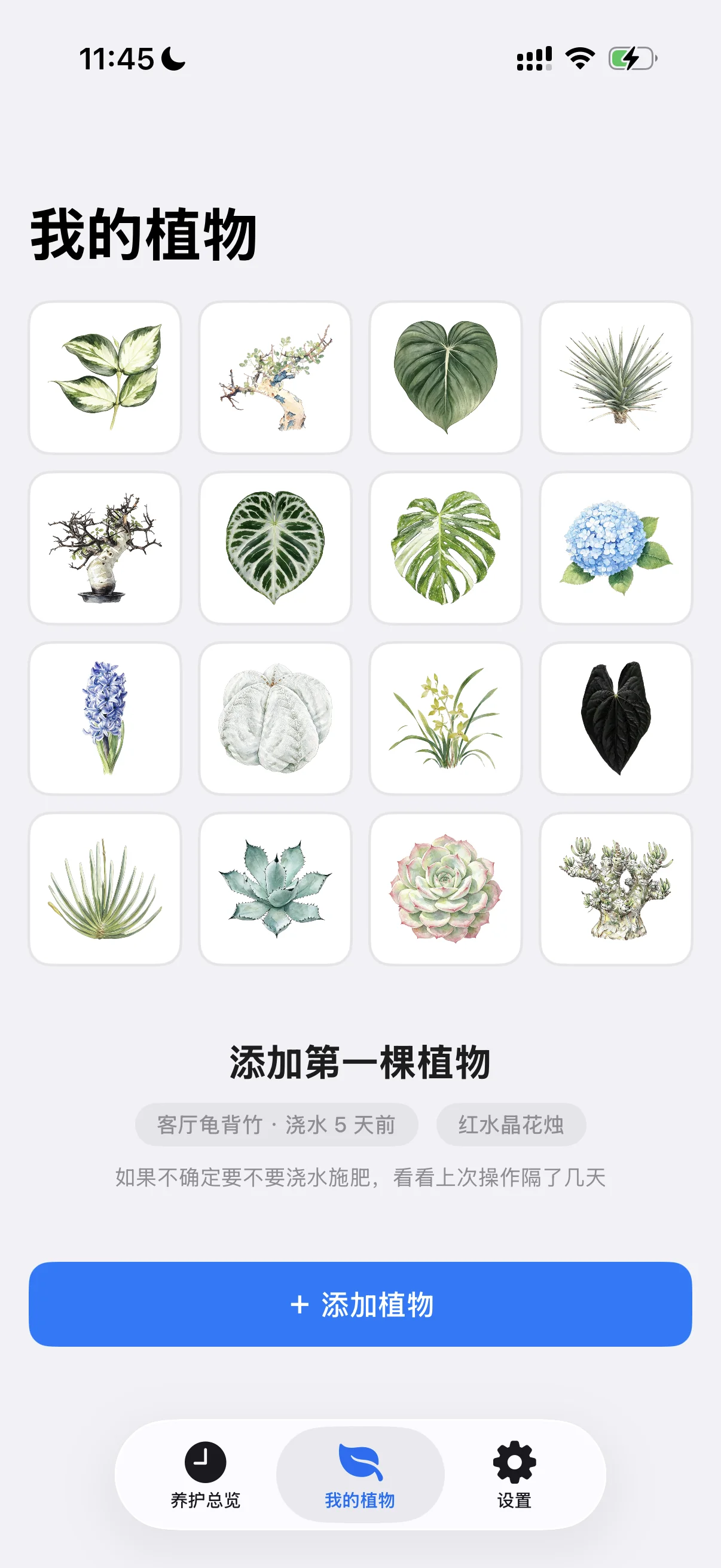
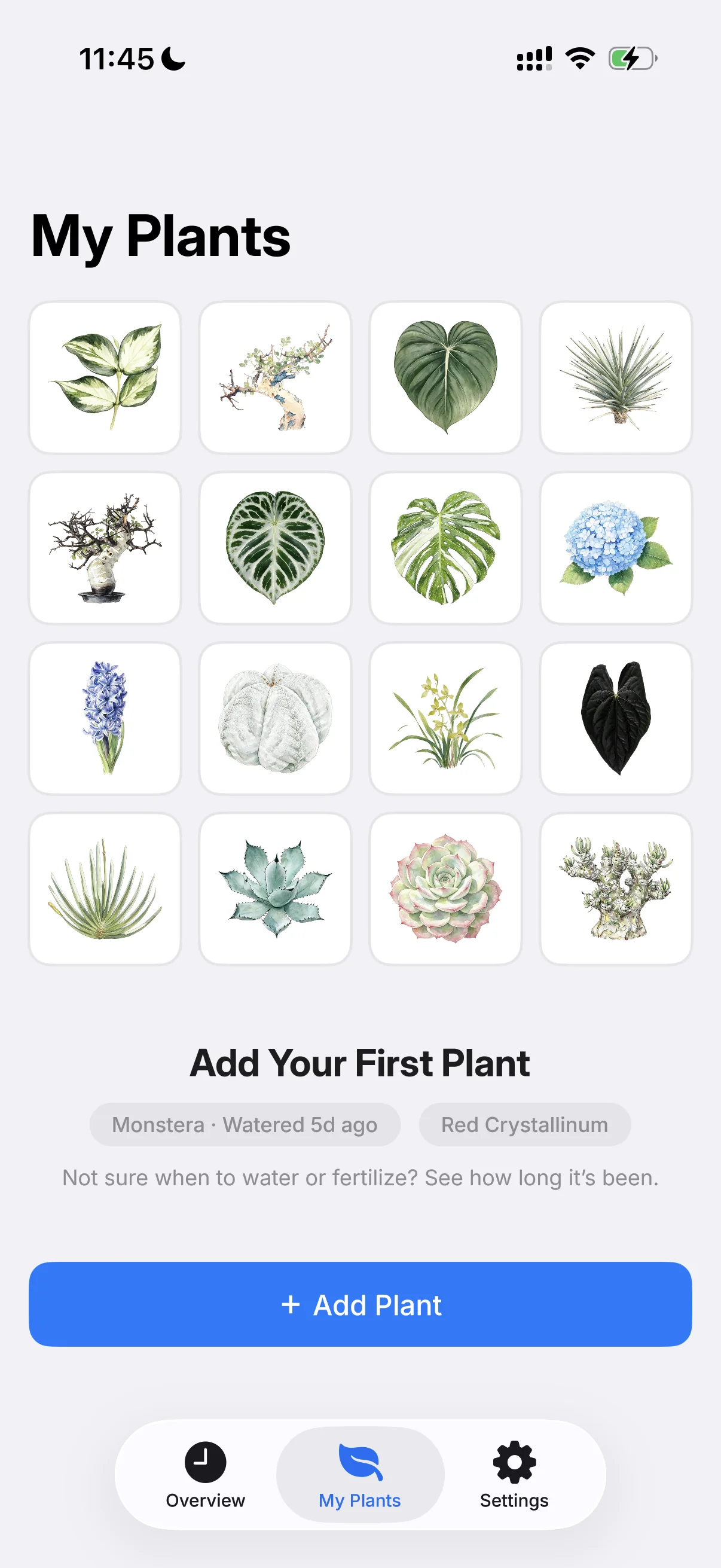
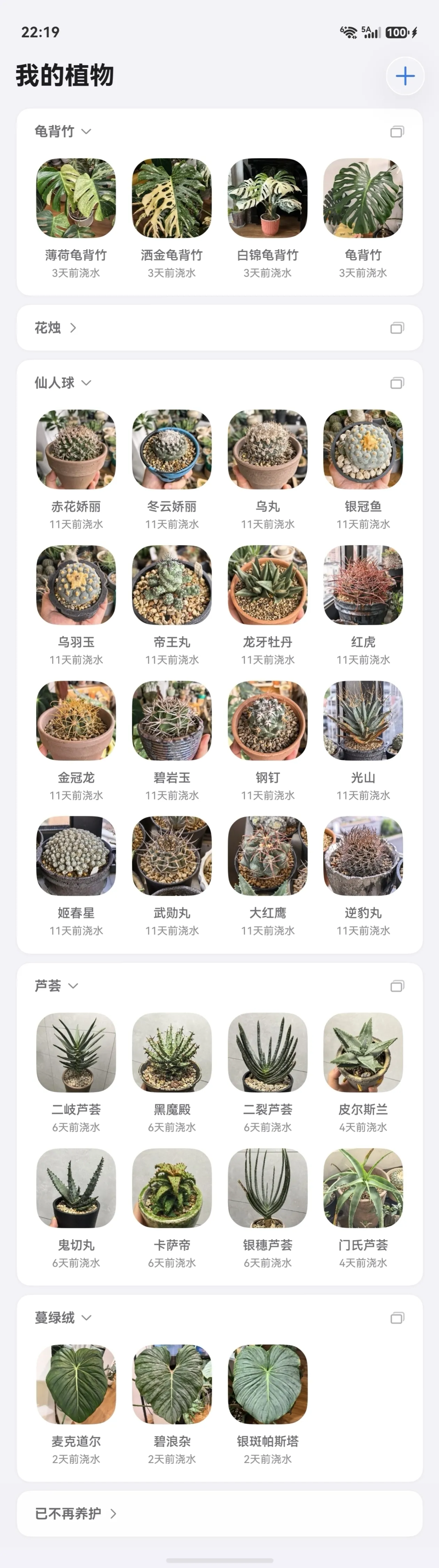
我的植物:
添加每一株心爱的植物

My Plants:
add every plant you love

我的植物My Plants
植物详情Plant detail
02

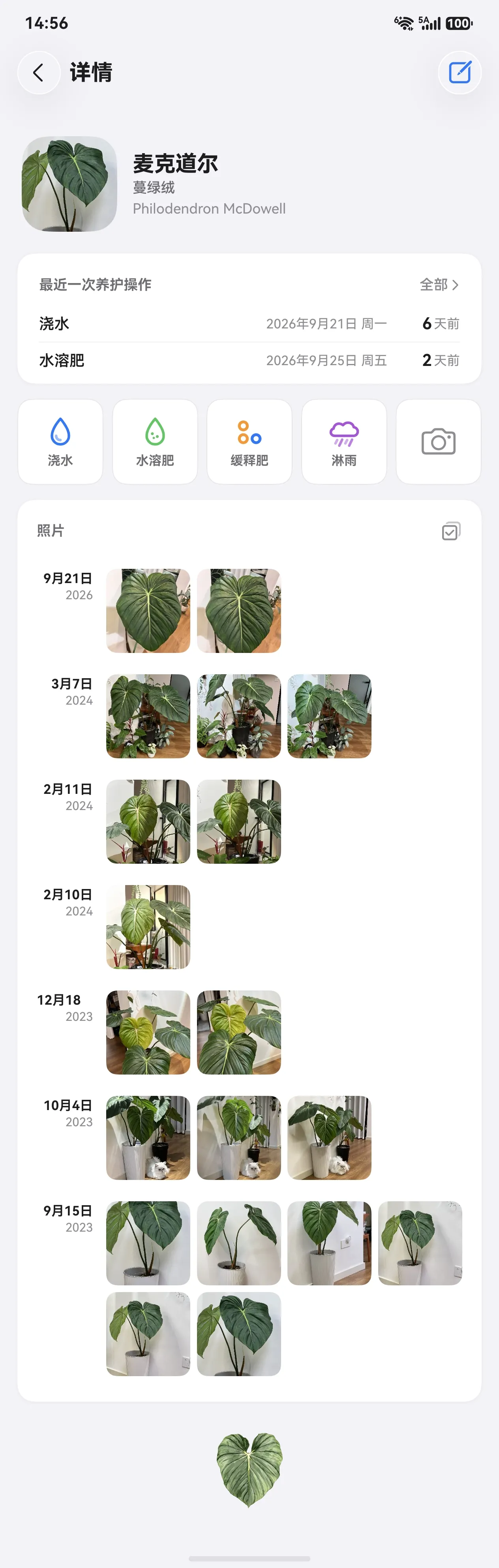
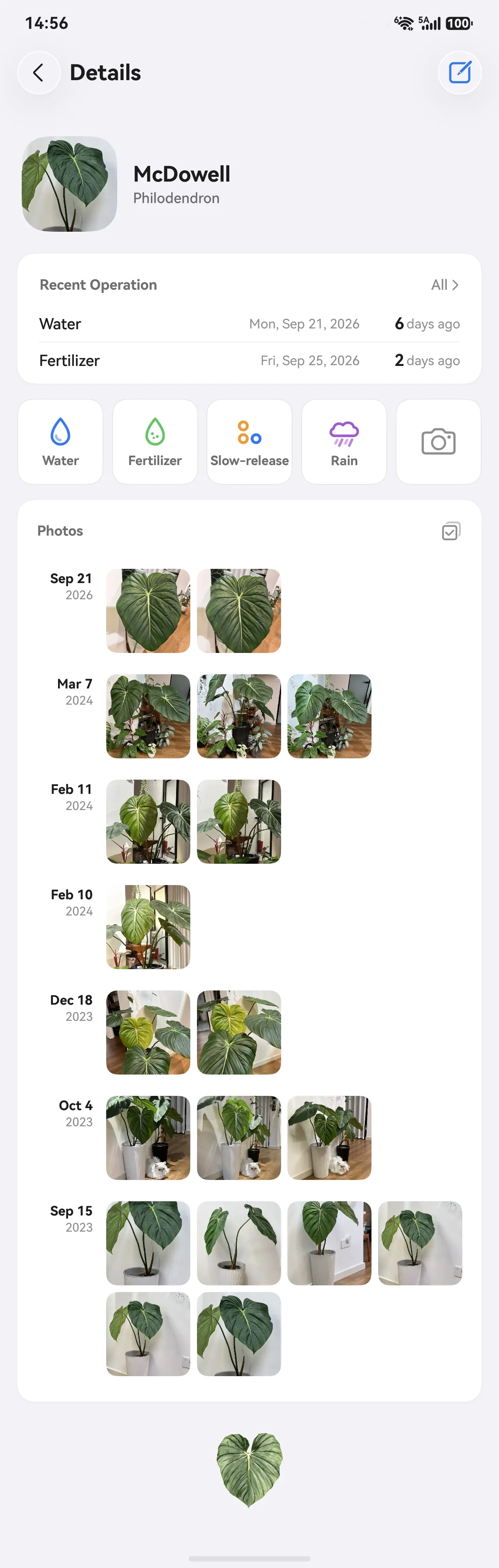
植物详情:所有养护操作,一页记全

Plant Detail: every care action on one page

浇水、施肥、修剪、换盆各记各的。翻阅同一棵植物不同时期的照片,会有惊喜和快乐。

Watering, fertilizing, pruning, repotting — each logged separately. Flipping through one plant’s photos over time brings surprises and joy.

  • 记录所有养护操作浇水、施肥、修剪、换盆……各记各的,互不干扰。
  • Log every care actionWatering, fertilizing, pruning, repotting — each kept separately.
  • 照片流按日期分组每张照片自动落到拍下的那天,不用手动归档。
  • Photos grouped by dateEvery photo lands on the day it was taken — no manual sorting.
  • 回看才发现长了多少隔几周往回翻,同一株前后并排一放,抽了几片新叶一眼就出来。
  • See how much it’s grownFlip back a few weeks and compare side by side — new leaves jump right out.
  • 批量上传历史照片整批导入相册里的老照片,自动按拍摄日期分好组。
  • Batch-import old photosImport old gallery photos in batches, auto-grouped by date taken.
03

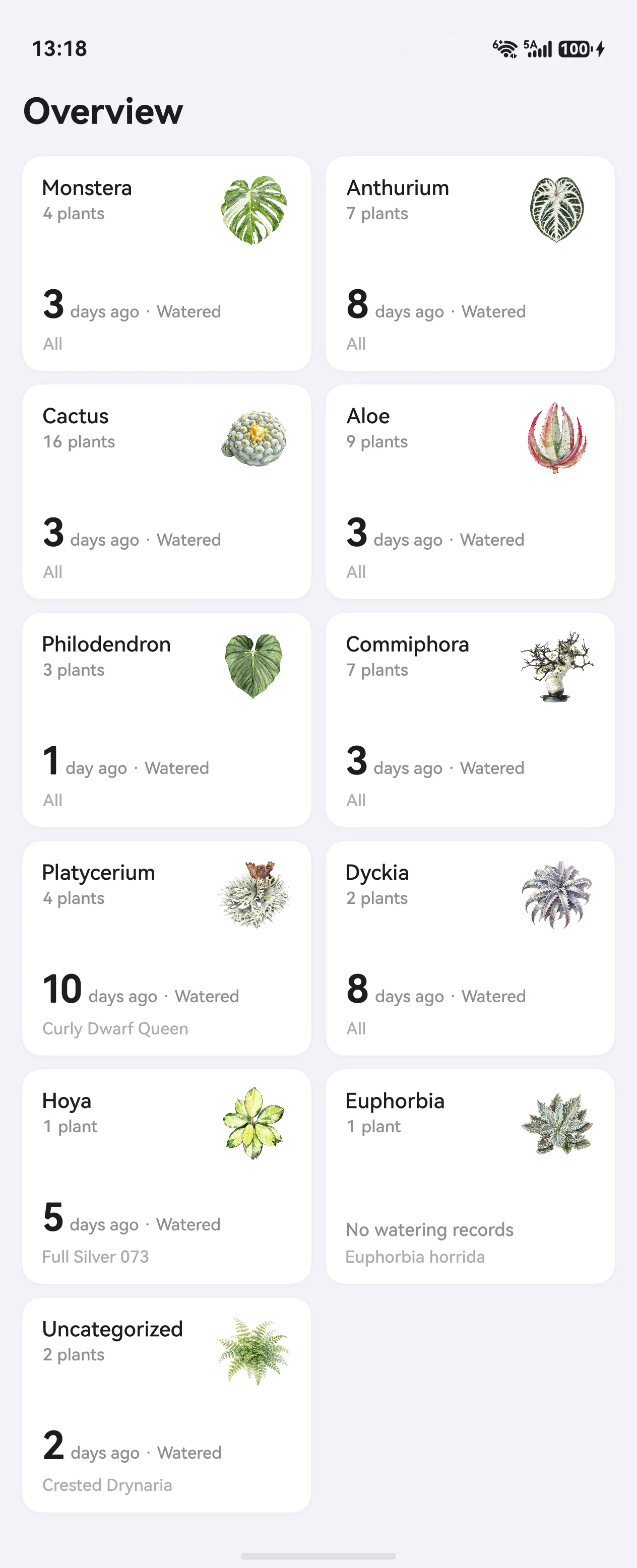
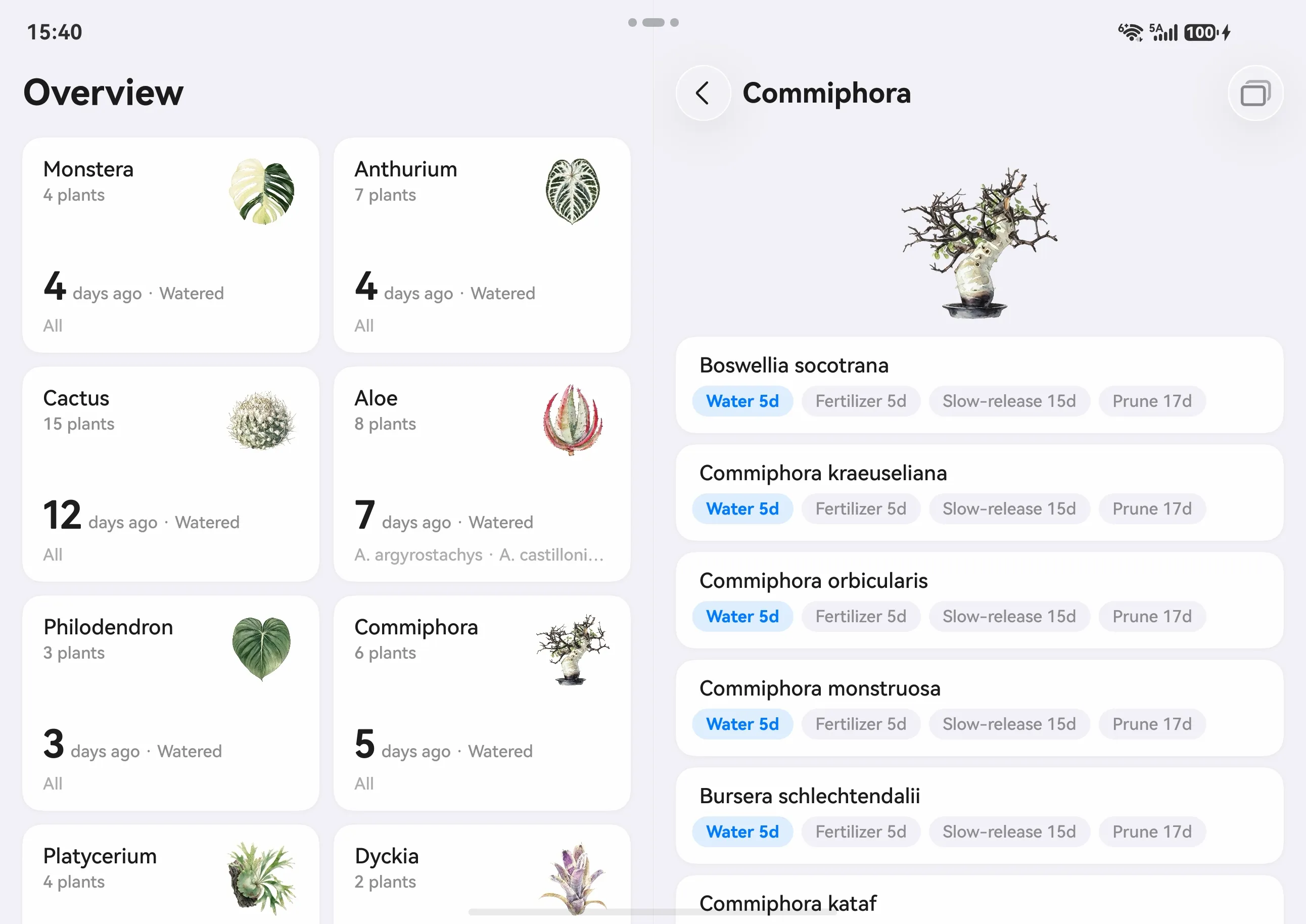
养护总览:按分类看,最近什么时候浇的水

Care Overview: last watering at a glance, by category

一张卡一个分类,可以按浇水最久排序。

One card per category, sortable by longest-since-watered.
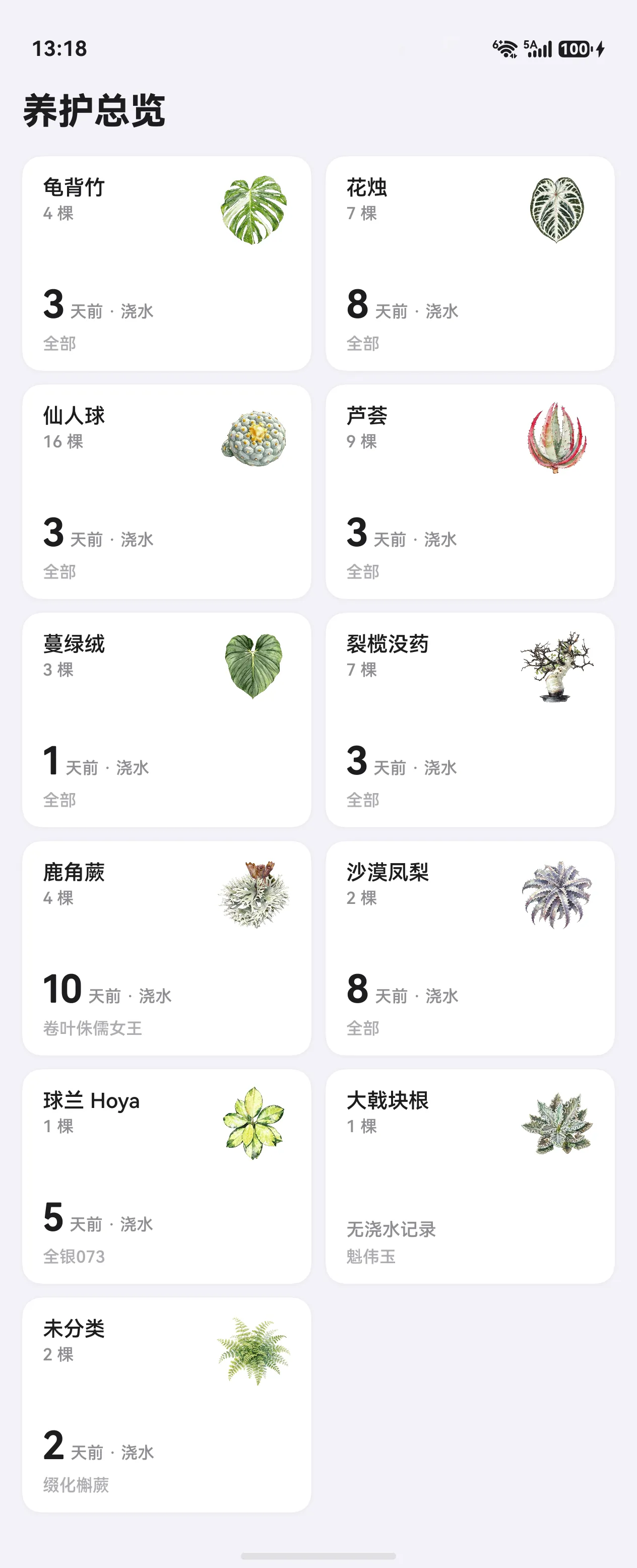
养护总览Care Overview
04

自定义分类,配一张好看的植物图

Custom categories with a beautiful plant illustration

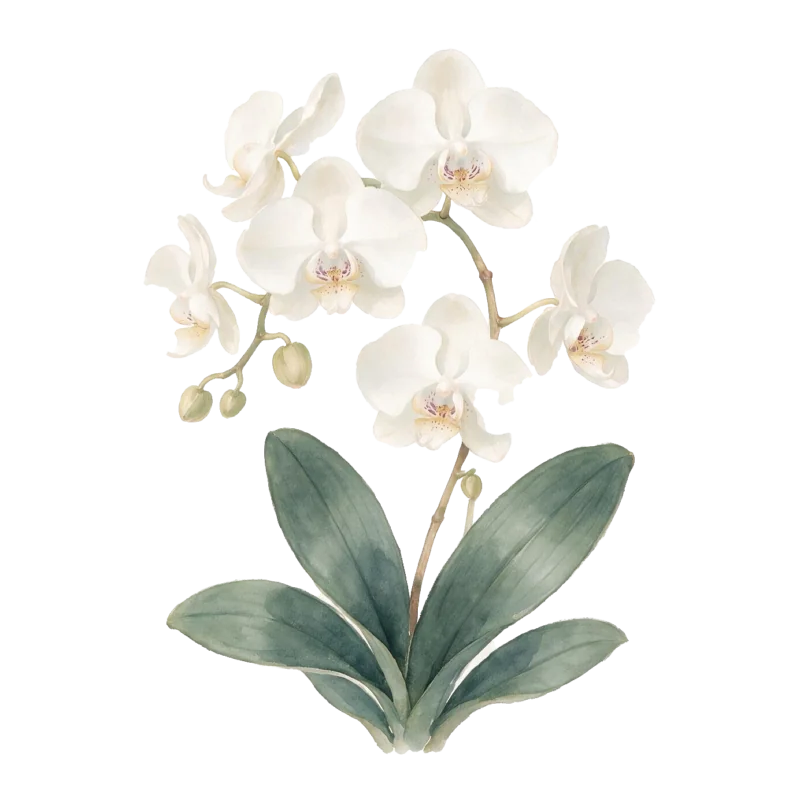
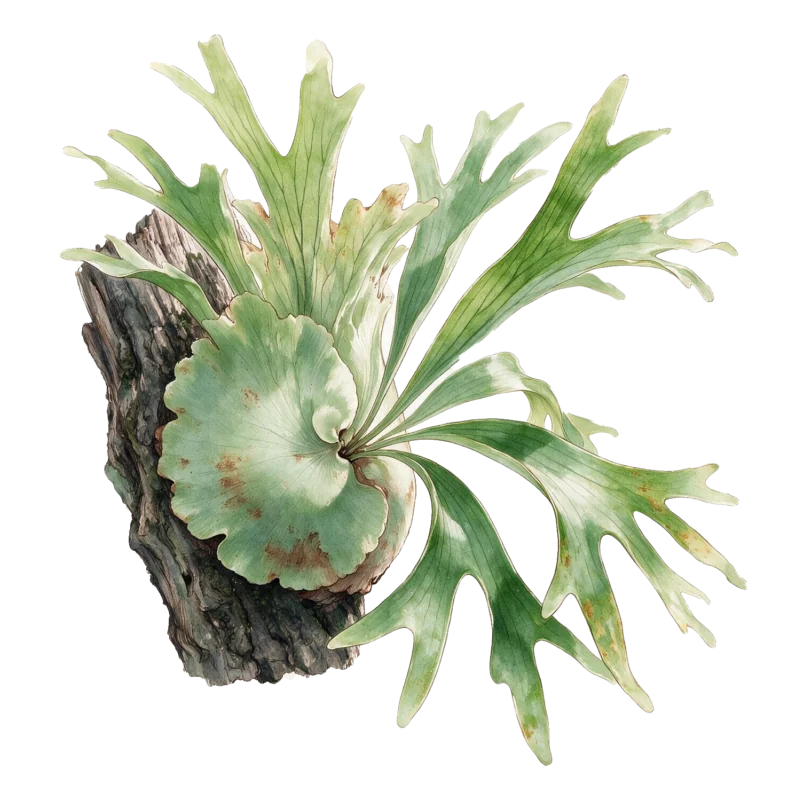
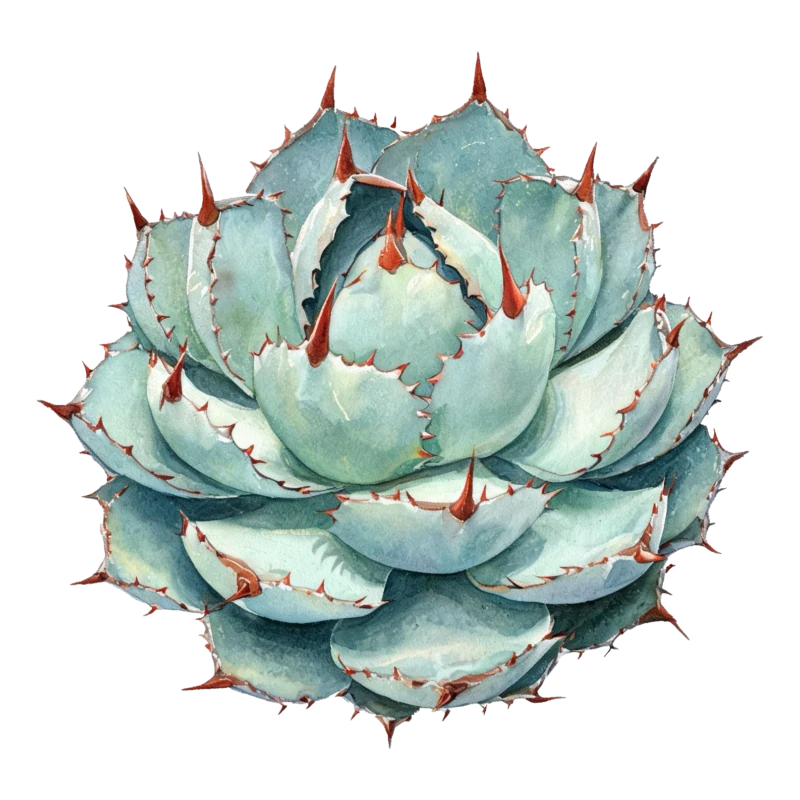
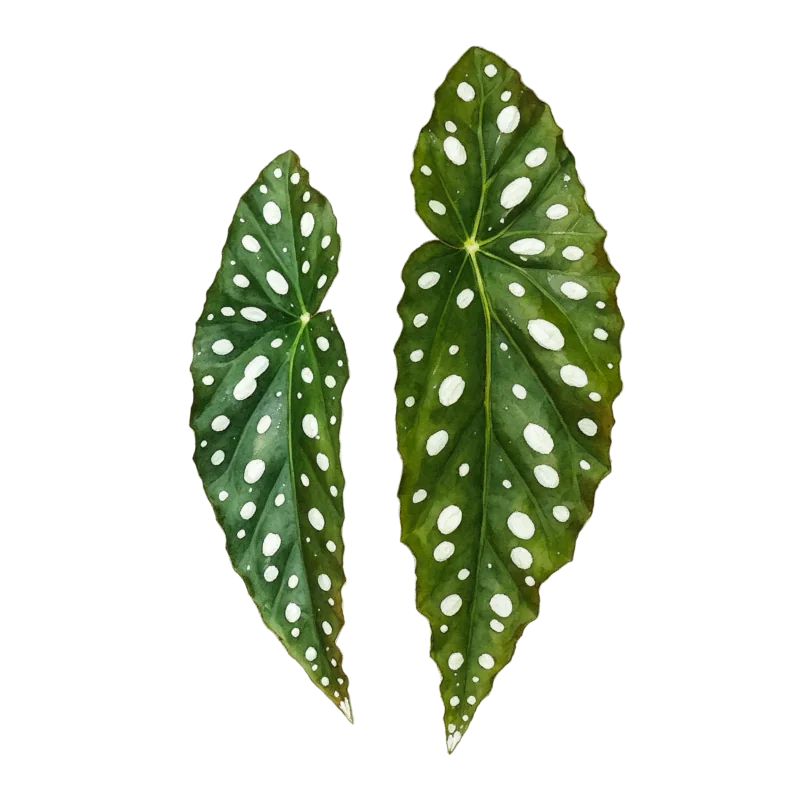
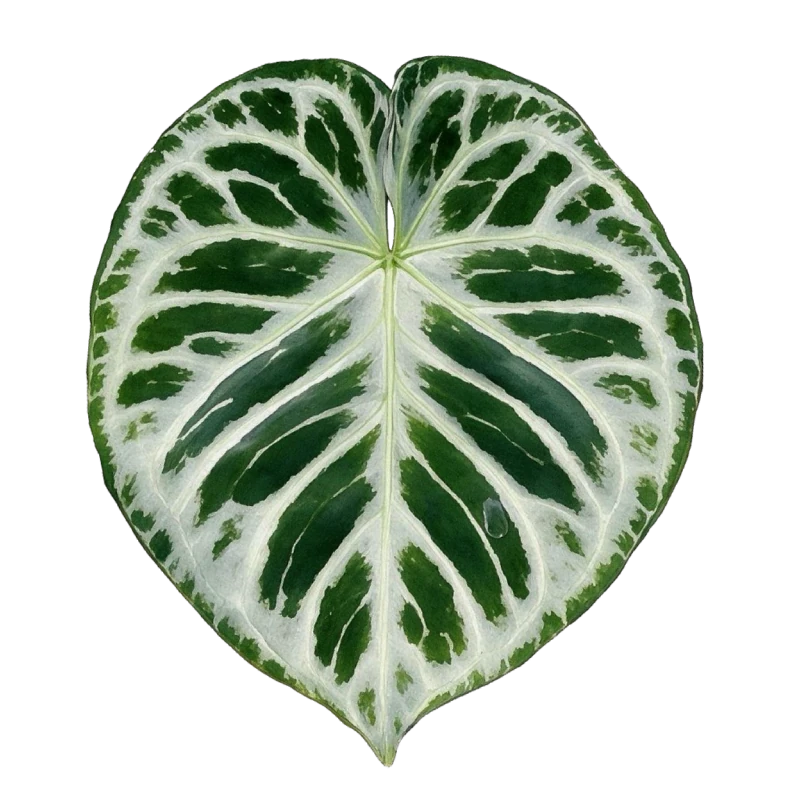
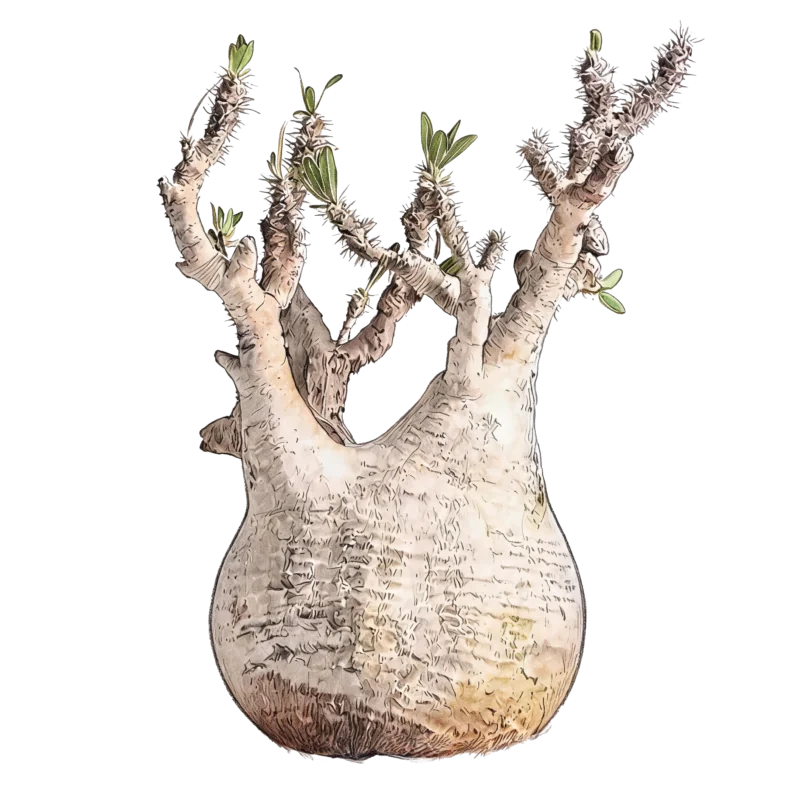
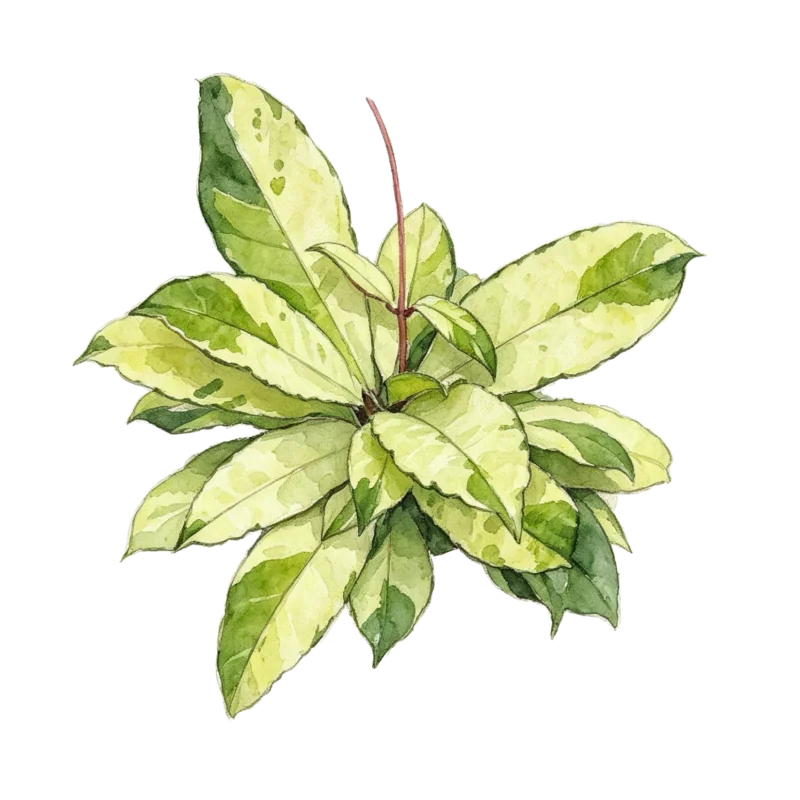
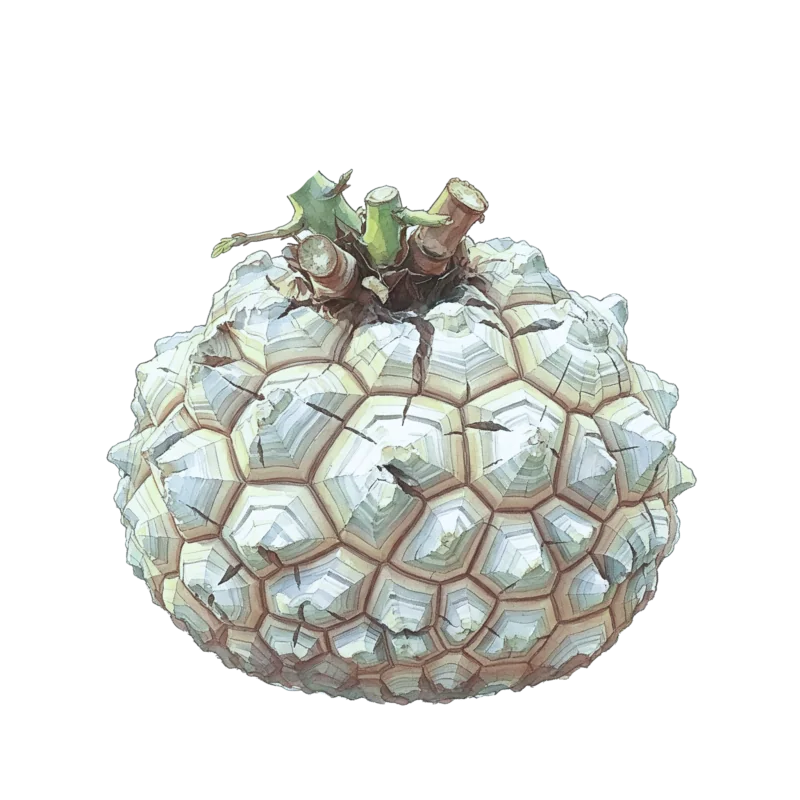
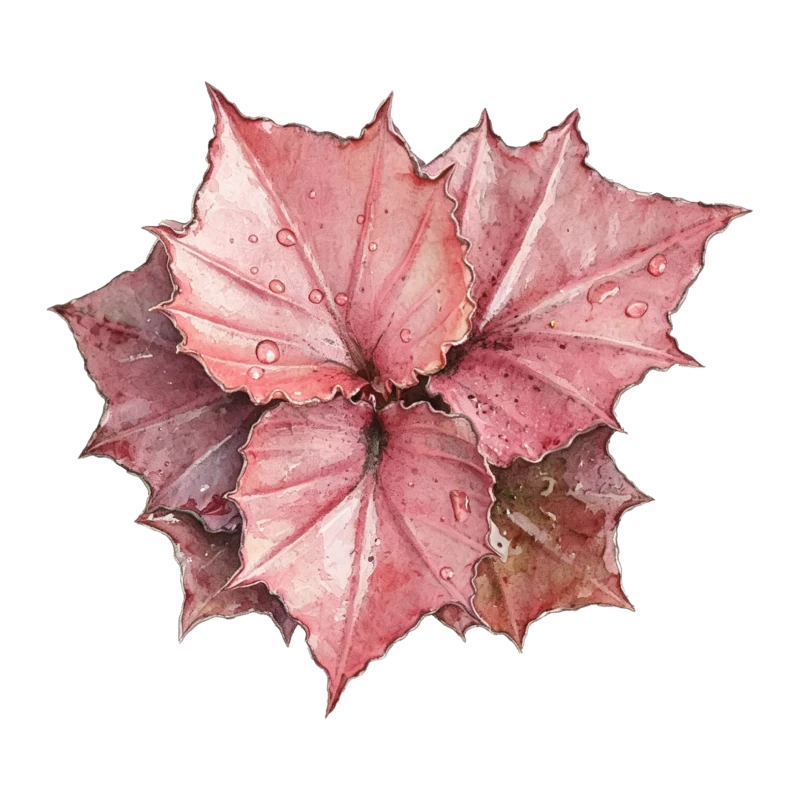
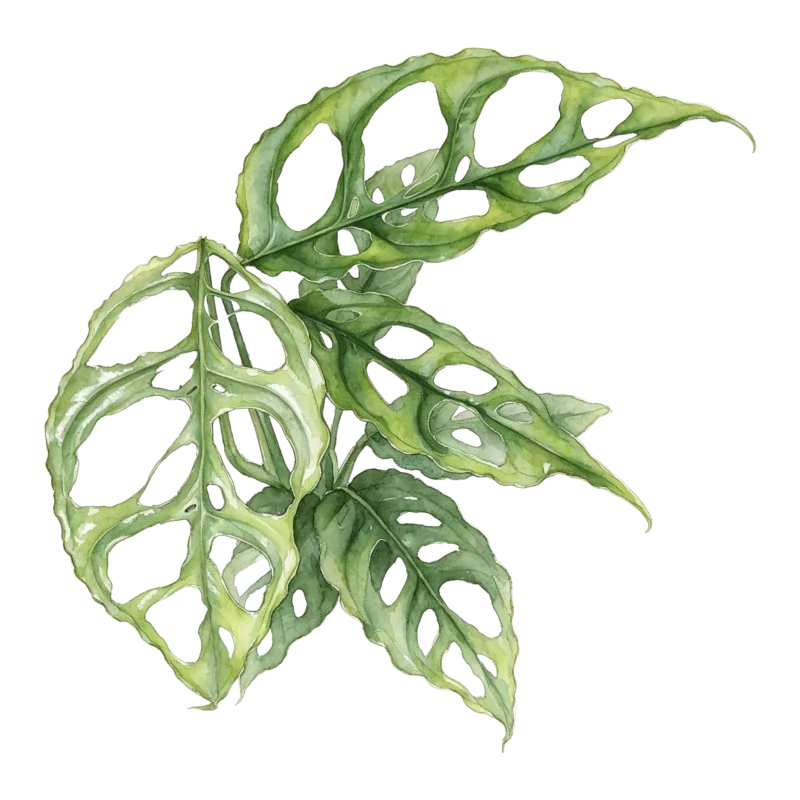
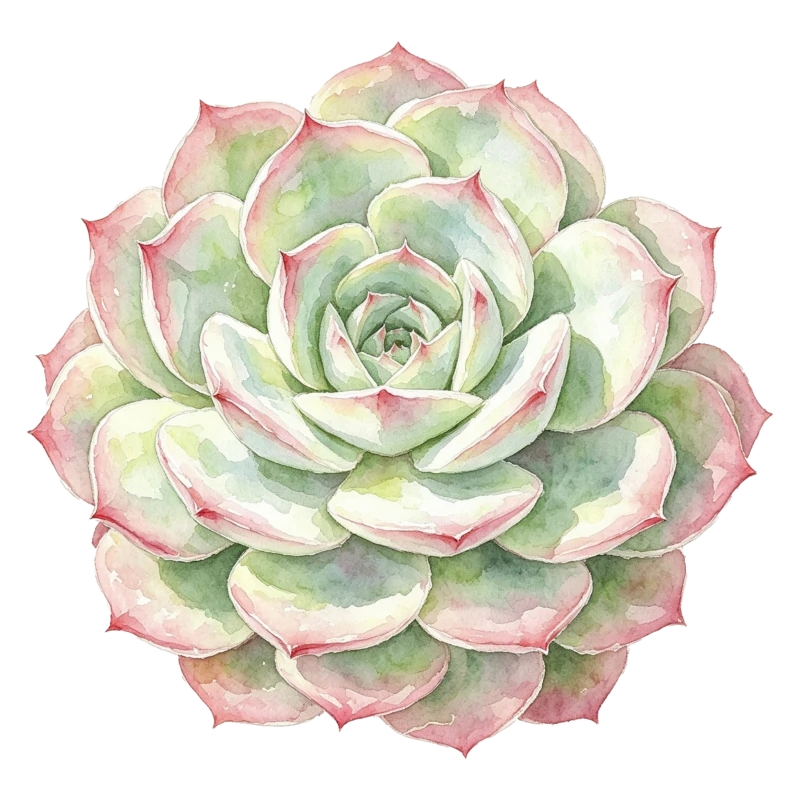
怎么分都由你,从上百张手绘植物图里挑代表图。

Group however you like, and pick a cover from 100+ hand-drawn plant illustrations.
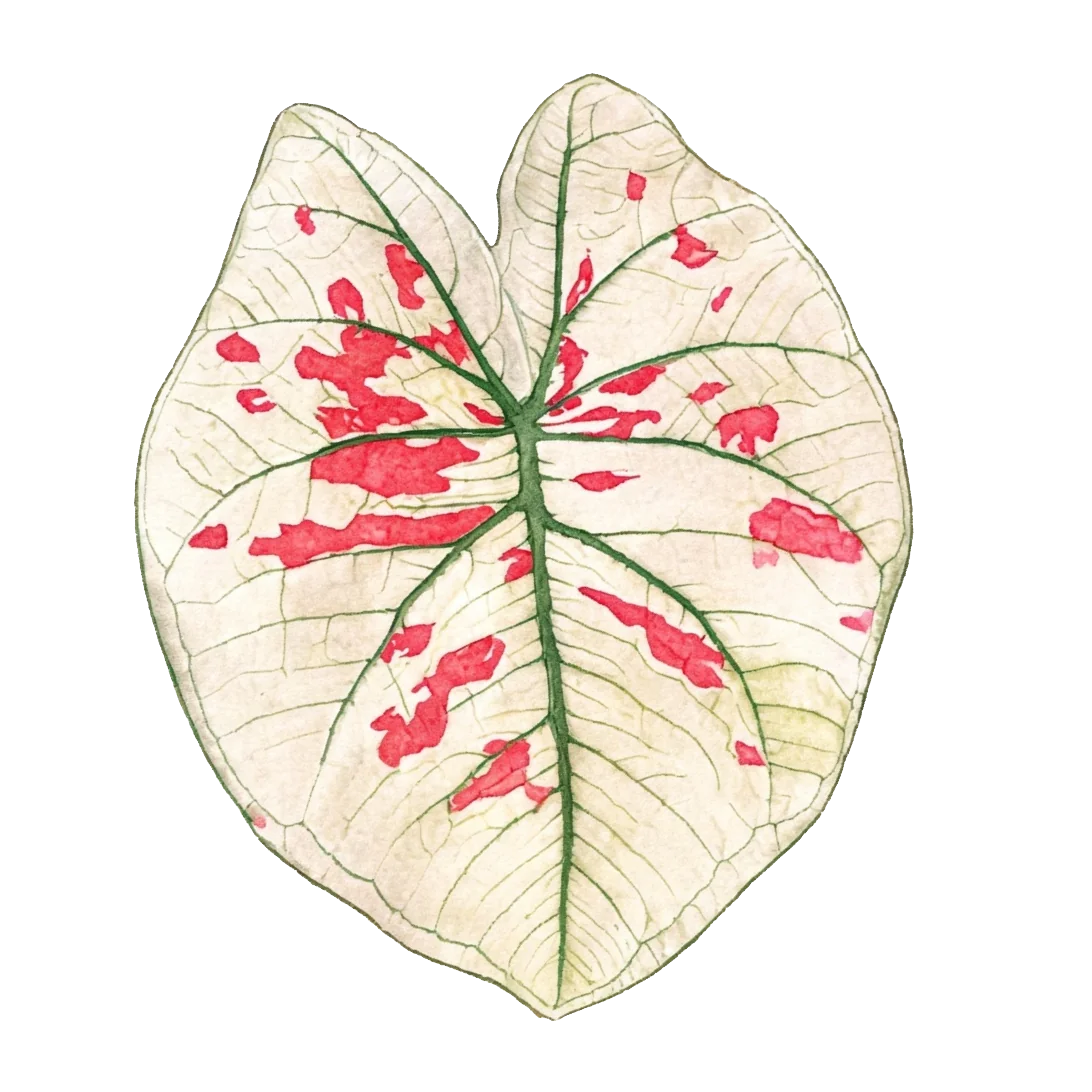
  • 自定义添加想分几类分几类,随时建、随时改名字。
  • Fully customAs many categories as you want — create and rename anytime.
  • 配精美植物图一百多张手绘插画,挑一张当这个分类的代表图。
  • Beautiful illustrationsOver a hundred hand-drawn illustrations to choose as a category cover.
  • 不用迁就预设按你的习惯分,不按植物学分类法。
  • No forced presetsOrganize by your own habits, not botanical taxonomy.
龟背竹
彩叶芋
蝴蝶兰
麦克道尔
仙人球
鹿角蕨
龙舌兰
绣球
秋海棠
水晶花烛
象牙宫
球兰
龟甲龙
彩叶麒麟
景天科
斜叶龟背竹
浇水浇水Watering
水溶肥水溶肥Liquid
fertilizer
缓释肥缓释肥Slow-release
fertilizer
驱虫药驱虫药Pest control
杀菌药杀菌药Fungicide
修剪修剪Pruning
换盆换盆Repotting
播种播种Sowing
扦插扦插Cuttings
分株分株Division
日照日照Sunlight
通风通风Airflow
淋雨淋雨Rain
测温测温Temperature
拍照
图标名称仅供参考,用户可按个人需求自定义Icon names are for reference — customize them as you like
05

自定义操作类型,配常用图标

Custom care types with icons

换盆、修剪、打药……你平时做什么,就加什么。

Repot, prune, treat… add whatever you actually do.

06

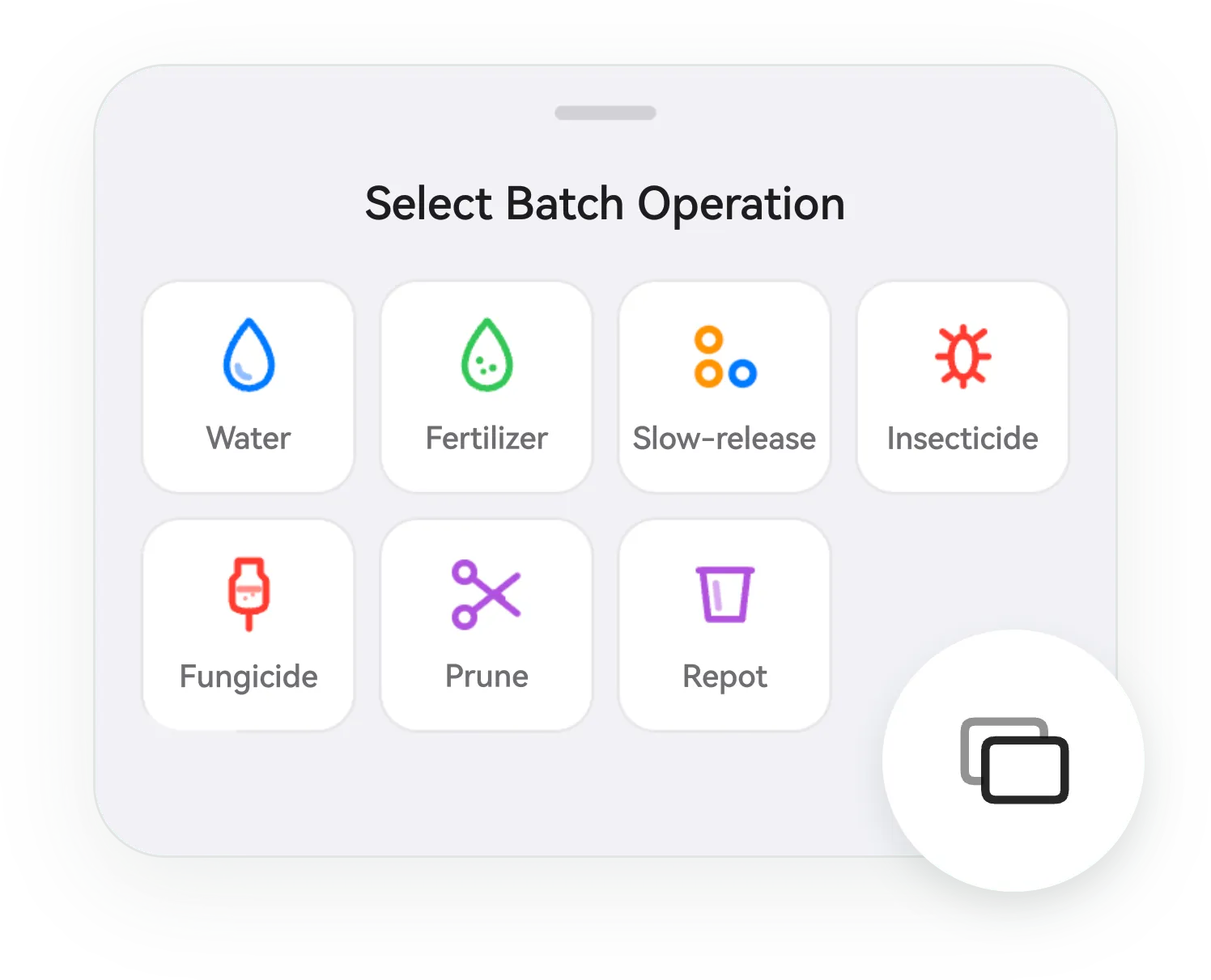
批量记录:同类型一次记完

Batch logging: one action, many plants

植物多的时候,这条最省事。

With many plants, this saves the most time.
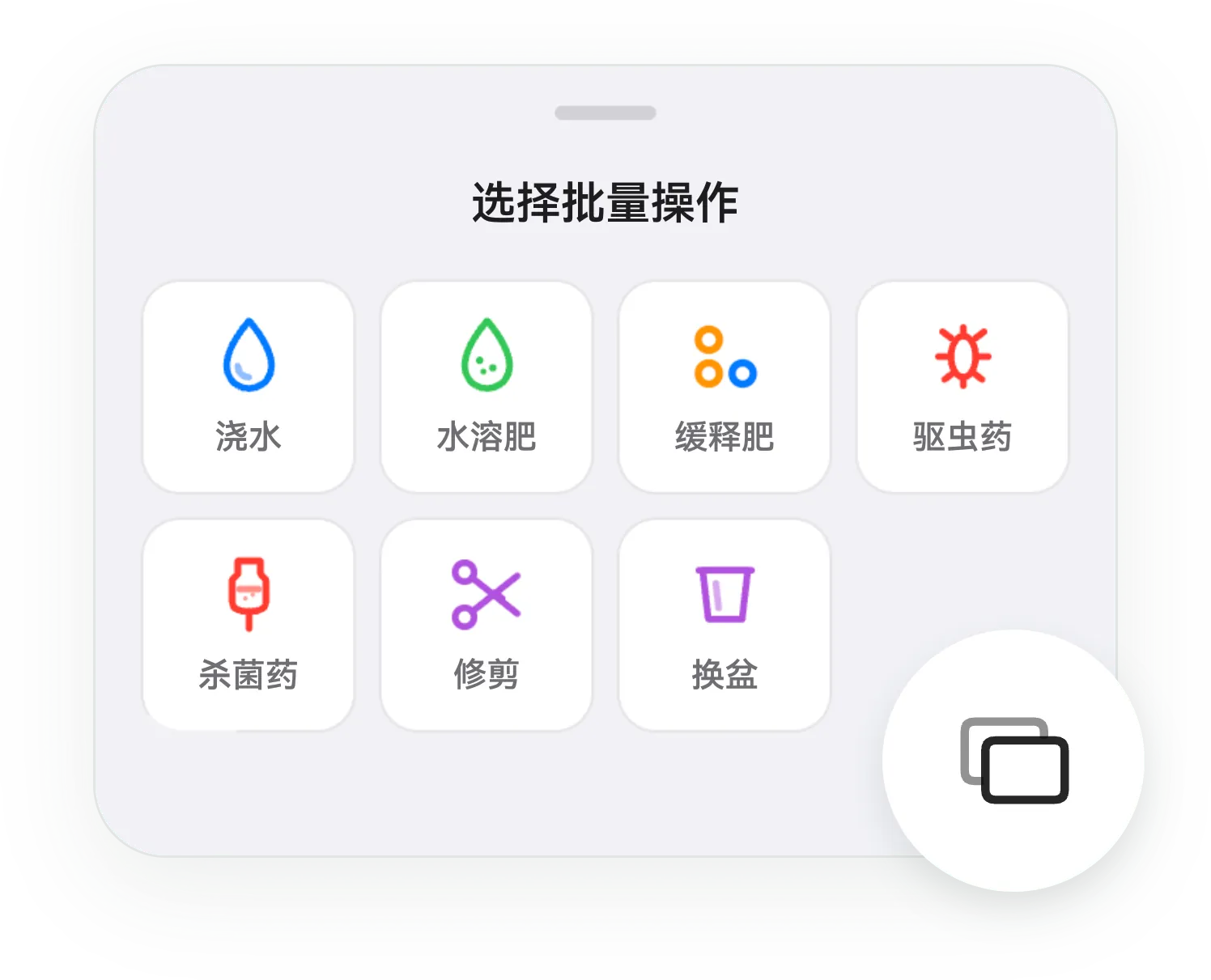
  • 勾选即录选出要记的植物,点一次操作,全部同时记录。
  • Tap to logSelect plants, tap one action — logged for all at once.
  • 为植物多的用户做的几棵的时候无所谓,几十棵的时候这条最省事。
  • Built for big collectionsOptional with a few plants; essential with dozens.
  • 备注共享一次写的备注,记到每一株上。
  • Shared noteOne note gets attached to every selected plant.
批量选择操作Batch select and log
07

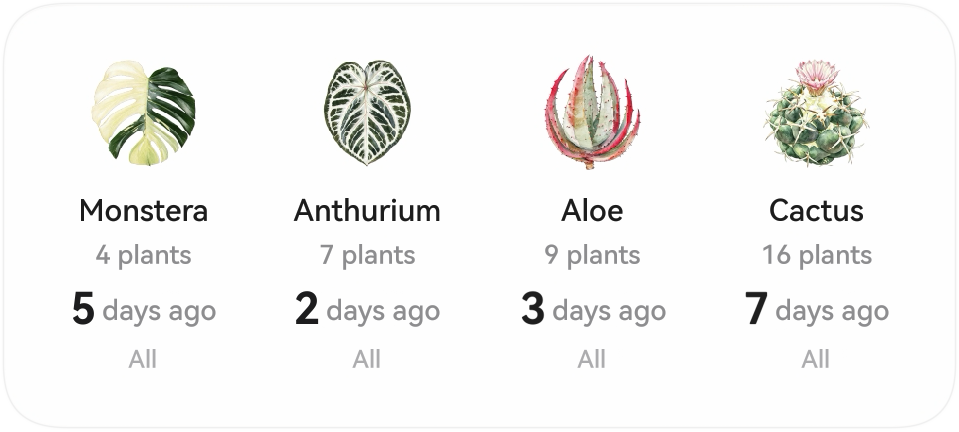
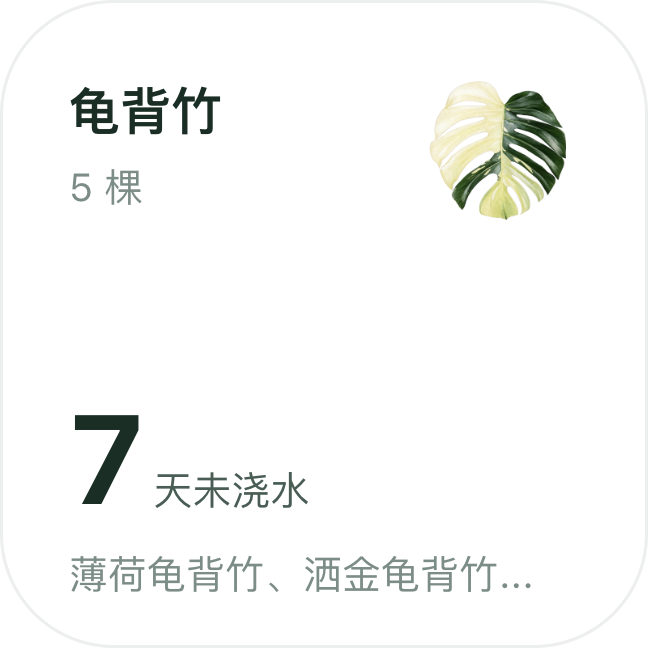
桌面卡片:不打开 App 也看得见

Widgets: visible without opening the app

iOS 桌面小组件,HarmonyOS 桌面卡片,都做得精致。

iOS widgets and HarmonyOS service widgets, both crafted with care.
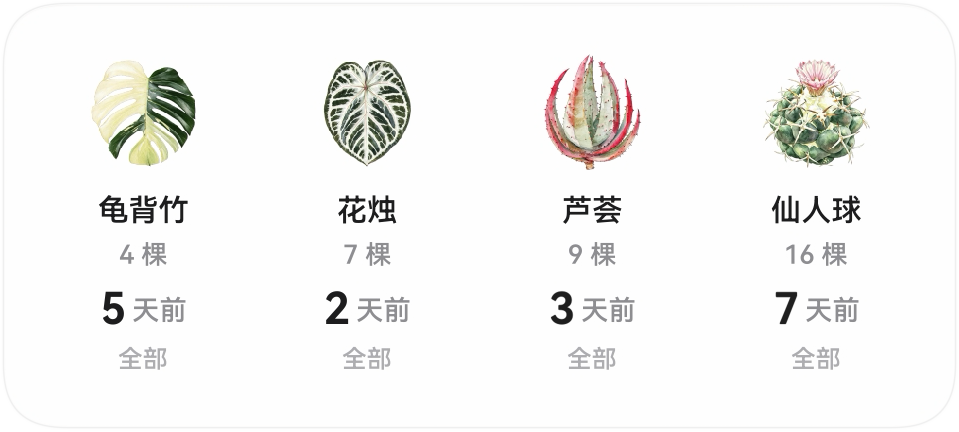
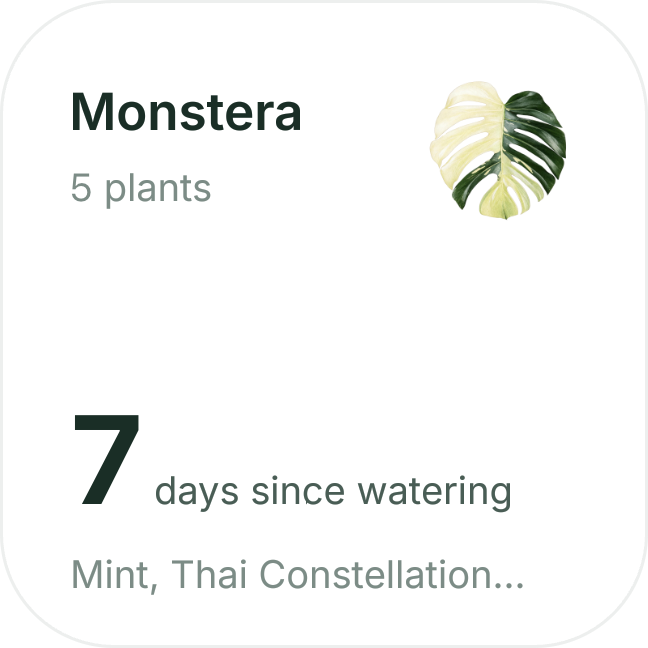
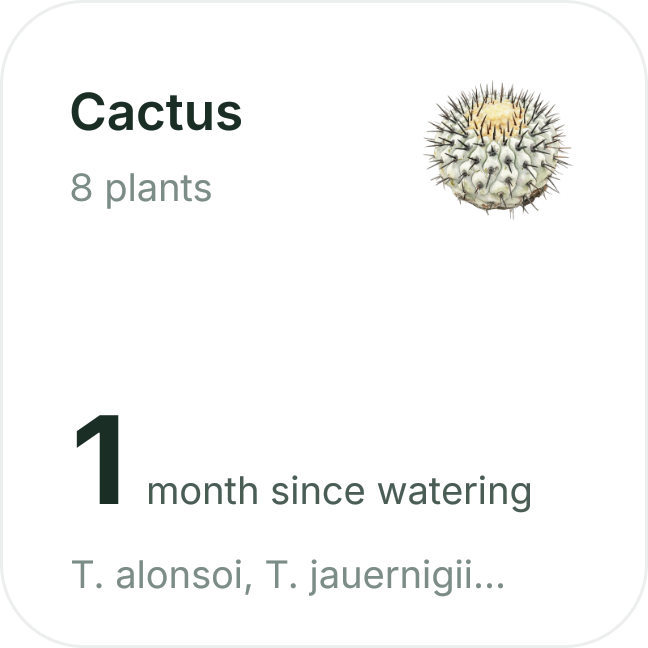
中号桌面卡片:龟背竹、花烛、芦荟、仙人球 Medium widget: Monstera, Anthurium, Aloe, Cactus
iOS 桌面小组件:龟背竹 5 棵,7 天未浇水iOS widget: Monstera, 5 plants, 7 days since watering
iOS 桌面小组件iOS widget
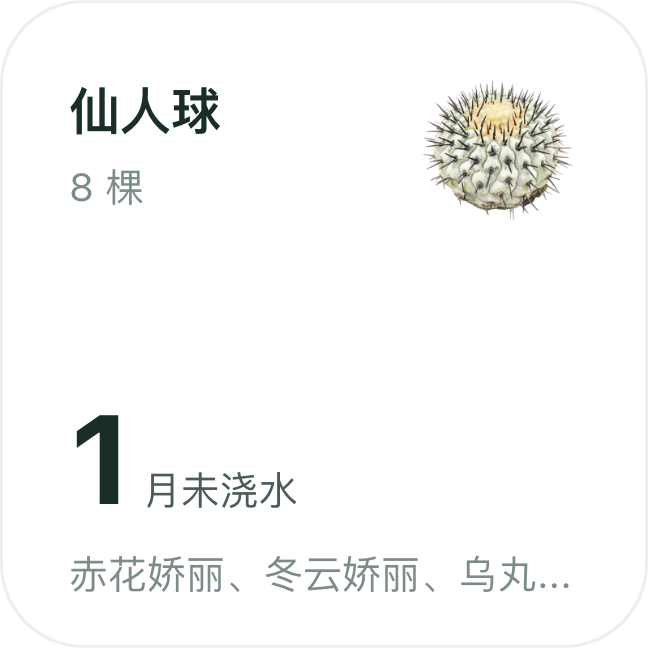
HarmonyOS 服务卡片:仙人球 8 棵,1 月未浇水HarmonyOS widget: cactus, 8 plants, 1 month since watering
HarmonyOS 桌面卡片HarmonyOS widget
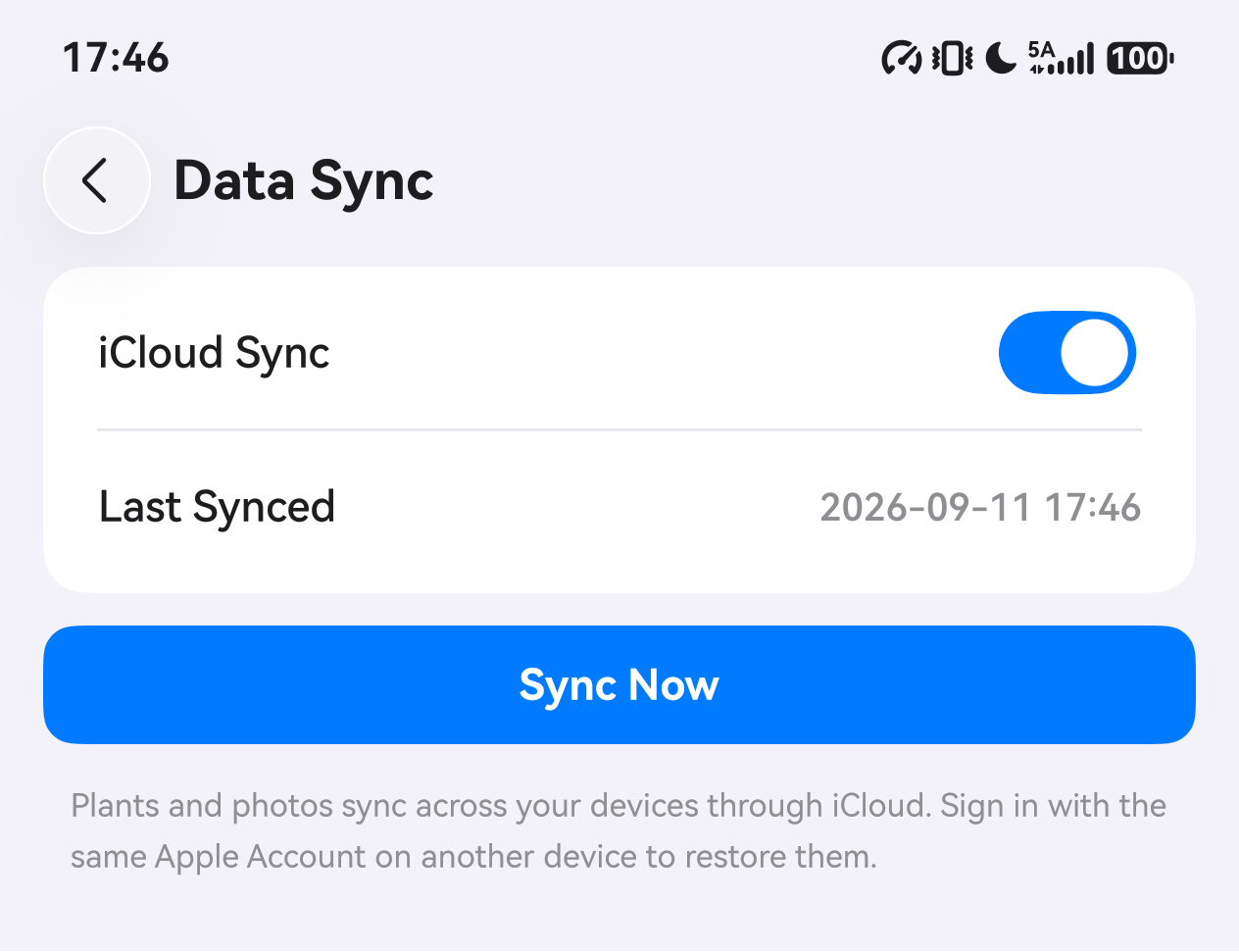
数据同步Cloud sync
08

云同步:换机、设备,数据都在

Cloud sync: your data follows your devices

iOS 走 iCloud,HarmonyOS 走华为云空间。植物、记录和照片存在你自己的云里。

iOS syncs via iCloud, HarmonyOS via HUAWEI Cloud. Plants, logs, and photos live in your own cloud.

  • 用你自己的云iOS 通过 iCloud,HarmonyOS 通过华为云空间,数据不经过我们的服务器。
  • Your own cloudData goes through iCloud or HUAWEI Cloud — never our servers.
  • 换机即恢复新设备登录同一个 Apple 账号或华为账号,植物与照片自动回来。
  • Restore on new devicesSign in with the same Apple Account or HUAWEI ID and everything comes back.
  • 多设备同步手机、平板上的记录保持一致。
  • Across devicesRecords stay consistent between phone and tablet.
09

首发适配 华为鸿蒙
HarmonyOS 7
阔屏与折叠屏 同样精美

Built natively for HarmonyOS 7
Equally polished on wide & foldable screens

展开是左右分栏的宽屏体验,不是把手机界面拉大。

Unfold into a two-column wide-screen experience — not a stretched phone UI.

  • 首发就适配HarmonyOS 版从头就是原生实现,功能、数据、交互与 iOS 一致。
  • Native from day oneThe HarmonyOS version is a native build with feature, data, and interaction parity with iOS.
  • 精美适配阔屏Pura X 这类比例更宽的机型,布局重新排过。
  • Wide screens done rightFor wider devices like Pura X, layouts are recomposed.
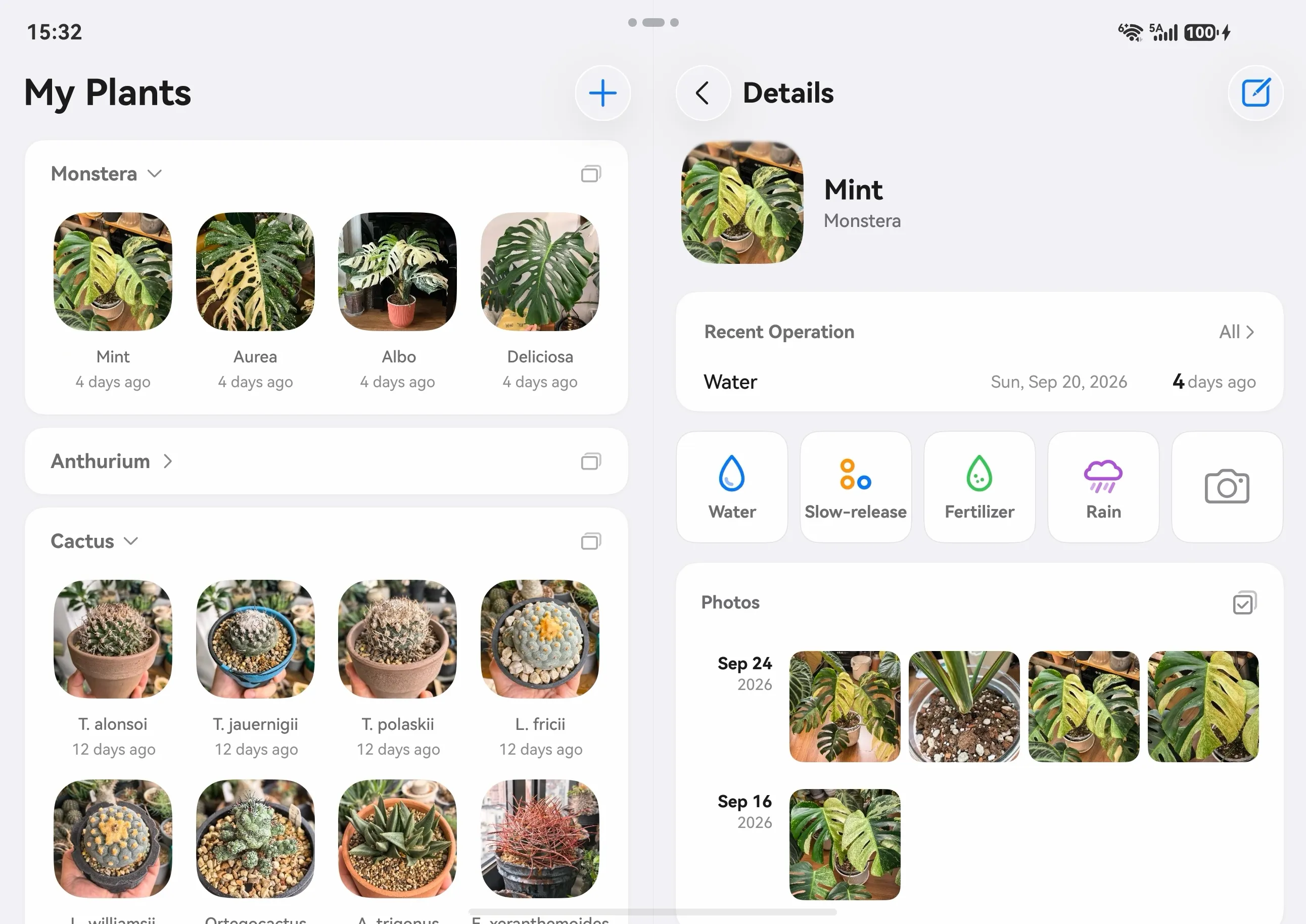
  • 阔折叠展开体验展开后是左右分栏:左边列表,右边详情,一次看两块内容。
  • Unfolded, two panesUnfolded: list on the left, detail on the right — two panes at once.
  • 不是拉伸是重新设计的宽屏布局,不是把手机界面等比放大。
  • Not stretchedA redesigned wide-screen layout, not a scaled-up phone UI.
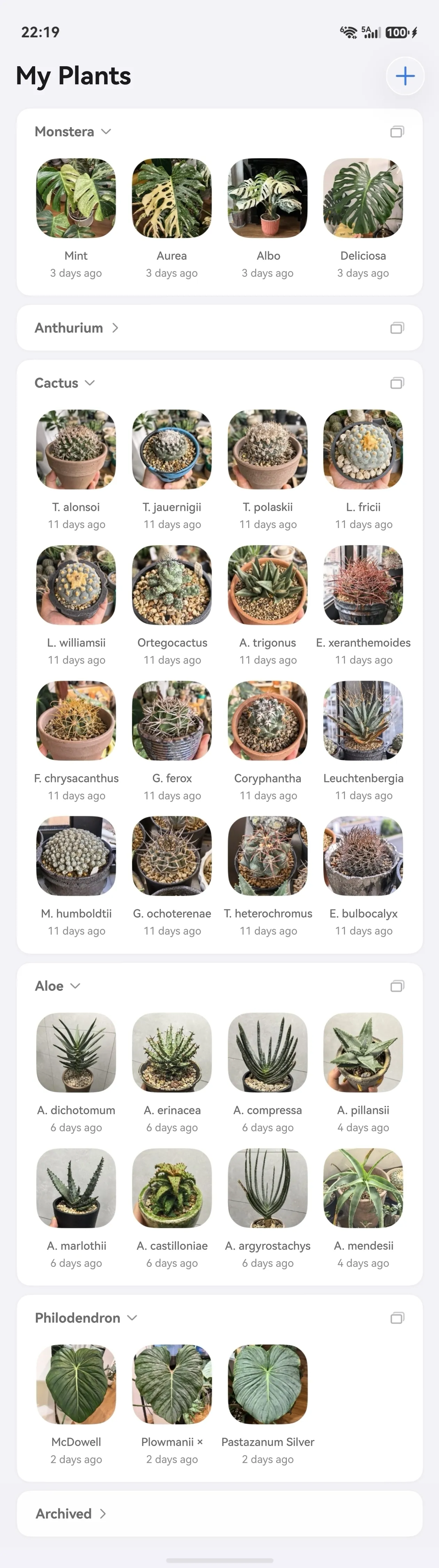
折叠屏展开 养护总览Care Overview on a foldable, unfolded
展开后的「养护总览」Care Overview, unfolded
折叠屏展开 我的植物My Plants on a foldable, unfolded
展开后的「我的植物」My Plants, unfolded
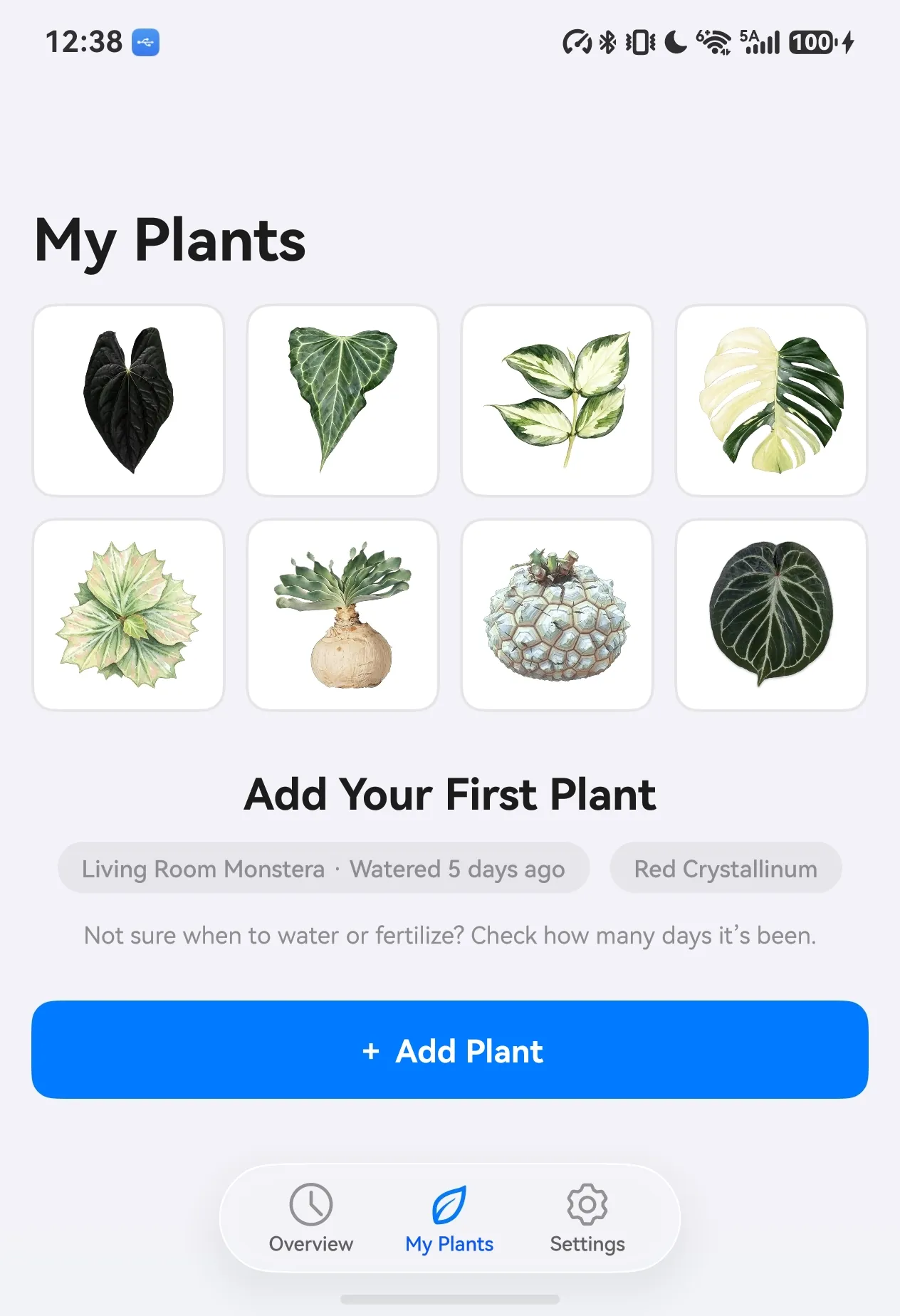
直板手机 我的植物My Plants on a standard phone
直板手机上的「我的植物」My Plants on a standard phone
10

跟上新系统
苹果 iOS 27 液态玻璃
华为 HarmonyOS 7 沉浸光感

Keeps up with the new systems
Apple iOS 27 Liquid Glass
Huawei HarmonyOS 7 Immersive Light

两个平台的新材质我们都重做了一遍界面,而不是把旧界面套上去。

We rebuilt the interface around each platform’s new materials instead of skinning the old one.

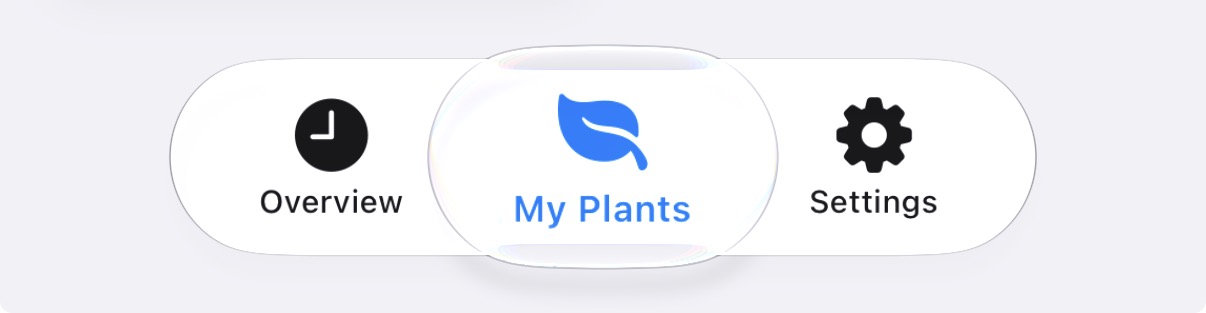
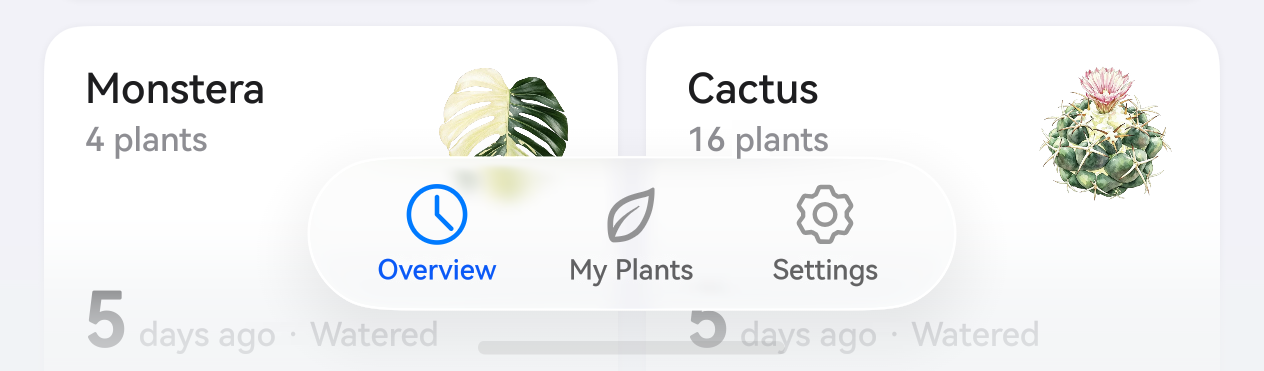
  • 液态玻璃 iOS 27iOS 27 的操作面板、卡片、分组头都用新材质重画,随背景实时折射。
  • Liquid Glass on iOS 27Panels, cards, and section headers redrawn with the new material, refracting the background in real time.
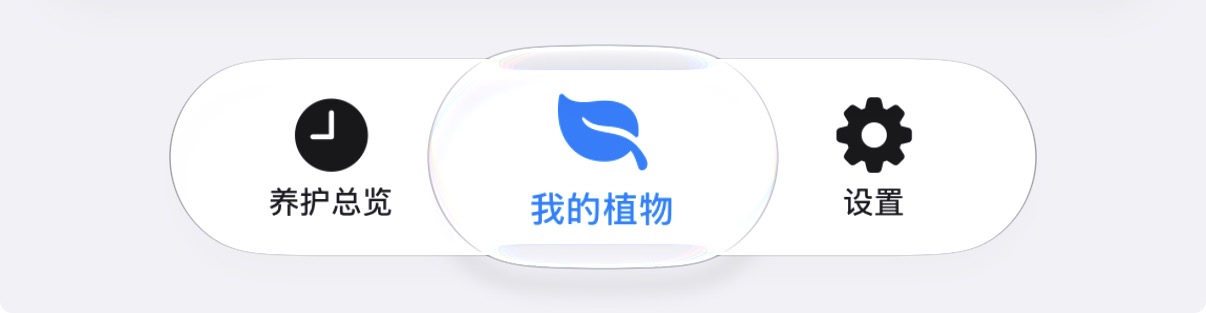
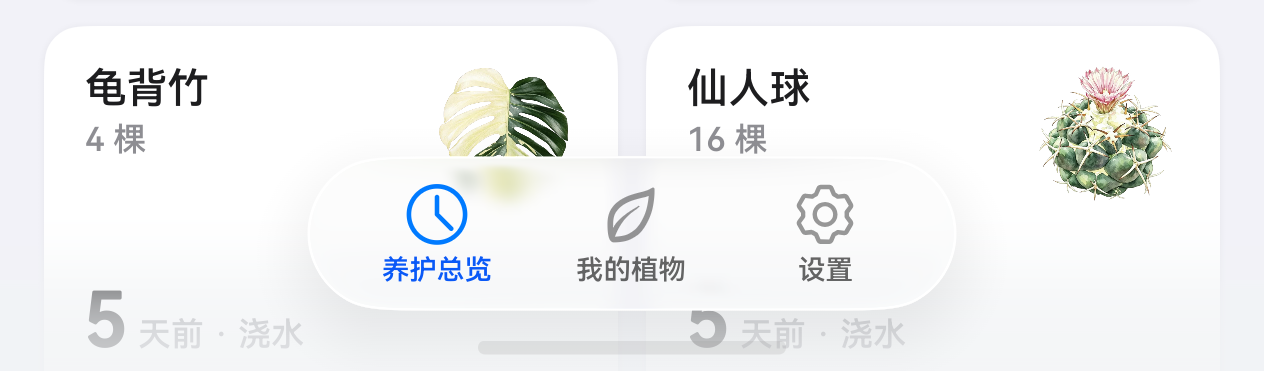
  • 沉浸光感 HarmonyOS 7HarmonyOS 7 的深色界面跟着环境光走,植物图标在暗背景下依然通透。
  • Immersive Light on HarmonyOS 7Dark UI follows ambient light; plant icons stay luminous on dark backgrounds.
iOS 27 液态玻璃iOS 27 Liquid Glass
iOS 27:液态玻璃iOS 27: Liquid Glass
HarmonyOS 7 沉浸光感HarmonyOS 7 Immersive Light
HarmonyOS 7:沉浸光感HarmonyOS 7: Immersive Light

订阅

Features

基础版 Free 免费 Free
高级版 Premium ¥128 / 年 $19.99 / year
Prices vary by region.
养护植物Plants回收站和非养护状态不占额度Deleted & archived plants don’t count 20 棵 20 无限制 Unlimited
植物分类Categories可自定义名称和代表图片Custom names & covers 6 个 6 无限制 Unlimited
操作类型Care types可自定义添加换盆、修剪等操作Add repotting, pruning, and more 4 个 4 无限制 Unlimited
植物图标Plant icons持续更新的手绘植物图Ever-growing hand-drawn library 16 个 16 > 120 个 120+
桌面卡片Widgets桌面上实时查看养护信息Live care info on your home screen 默认分类 Default 可自定义 Custom
数据云同步Cloud sync植物信息和照片换机不丢数据Data survives device changes
订阅自动续费 · 可随时取消Auto-renewing subscription · cancel anytime

常见问题

FAQ

没找到答案,写邮件给 info@inflorapp.com

Can’t find your answer? Email info@inflorapp.com

它会提醒我浇水吗?
Will it remind me to water?

不会,这是刻意的设计。提醒暗示「到时间就该浇」,而什么时候该浇取决于你的环境和盆土状态。花序只负责让你随时看到「上次隔了几天」,判断留给你。

No — by design. A reminder implies “it’s time”, but when to water depends on your environment and soil. inflora simply shows how long it’s been; the judgment stays yours.

我有 30 棵植物,免费版够用吗?
I have 30 plants — is the free tier enough?

基础版最多 20 棵,20 棵以内功能完全不打折。超过可以升级高级版,¥128/年,数量不限。

The free tier holds up to 20 plants with full features. Beyond that, upgrade to Premium at $19.99/year for unlimited plants.

我的数据存在哪?换手机怎么办?
Where is my data stored? What about new phones?

存在你自己的云里:iOS 用 iCloud,HarmonyOS 用华为云空间。换手机后登录同一个 Apple 账号或华为账号即可恢复,多台设备之间也会同步。

In your own cloud: iCloud on iOS, HUAWEI Cloud on HarmonyOS. Sign in on a new device and everything restores; multiple devices stay in sync.

需要联网吗?
Does it need internet?

不需要。除购买订阅外,全部功能离线可用。

No. Apart from purchasing a subscription, everything works offline.

除了浇水还能记什么?
Can I log things besides watering?

浇水、水溶肥、缓释肥、驱虫药、杀菌药、修剪、换盆开箱可用,还能新增自定义操作类型。每种操作各记各的。

Watering, liquid and slow-release fertilizer, pest control, fungicide, pruning, and repotting work out of the box — plus your own custom care types, each tracked separately.

植物死了 / 送人了,要删掉吗?
A plant died or was given away — delete it?

不用删。切成「已不再养护」,照片和记录都留着,只是不再出现在需要操作的分组里。真想彻底清除,删除会先进回收站。

No need. Switch it to “archived”: photos and history stay, it just leaves the active groups. To truly remove it, deleted plants go to Recently Deleted first.

为什么没有拍照识花、没有社区?
Why no plant-ID camera or community?

因为我们只做一件事:把你的养护历史安静地串起来。判断力是你的,不该外包给算法。

Because we do one thing: quietly string your care history together. Judgment is yours — not outsourced to an algorithm.

支持哪些系统?
Which systems are supported?

iOS 26 及以上;HarmonyOS 6 及以上。

iOS 26 and later; HarmonyOS 6 and later.

花序 inflorainflora

iOS 苹果应用商店App Store HarmonyOS 华为应用市场AppGallery