首页Home›动态Updates›花序 inflora 植物爱好者的养护 APPinflora — the care app for plant lovers
花序 inflora 植物爱好者的养护 APP,已经上线国内苹果 iOS 和鸿蒙 HarmonyOS 系统。把植物的每一张照片、每一次浇水、施肥、修剪变成一串长长花序。
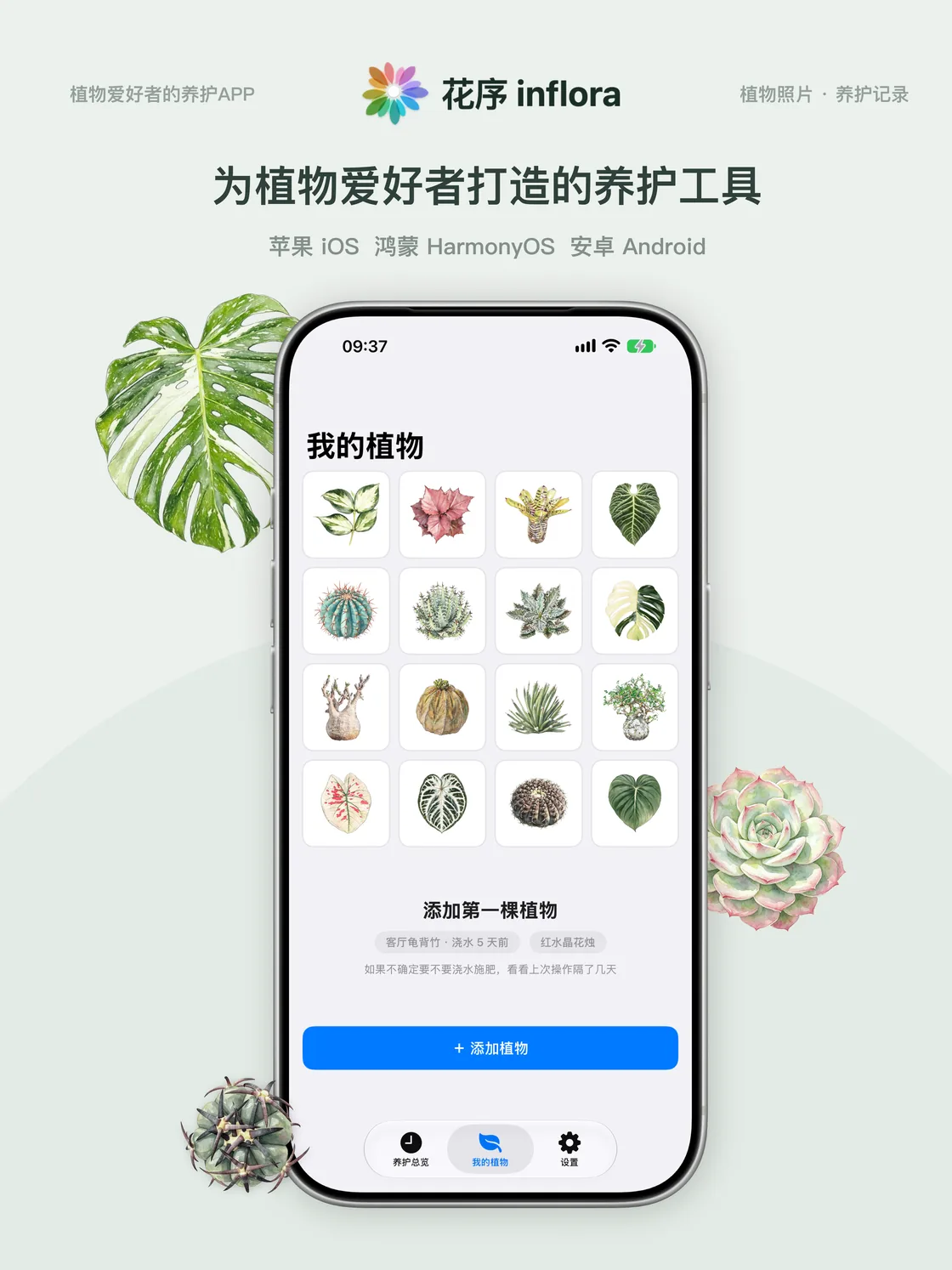
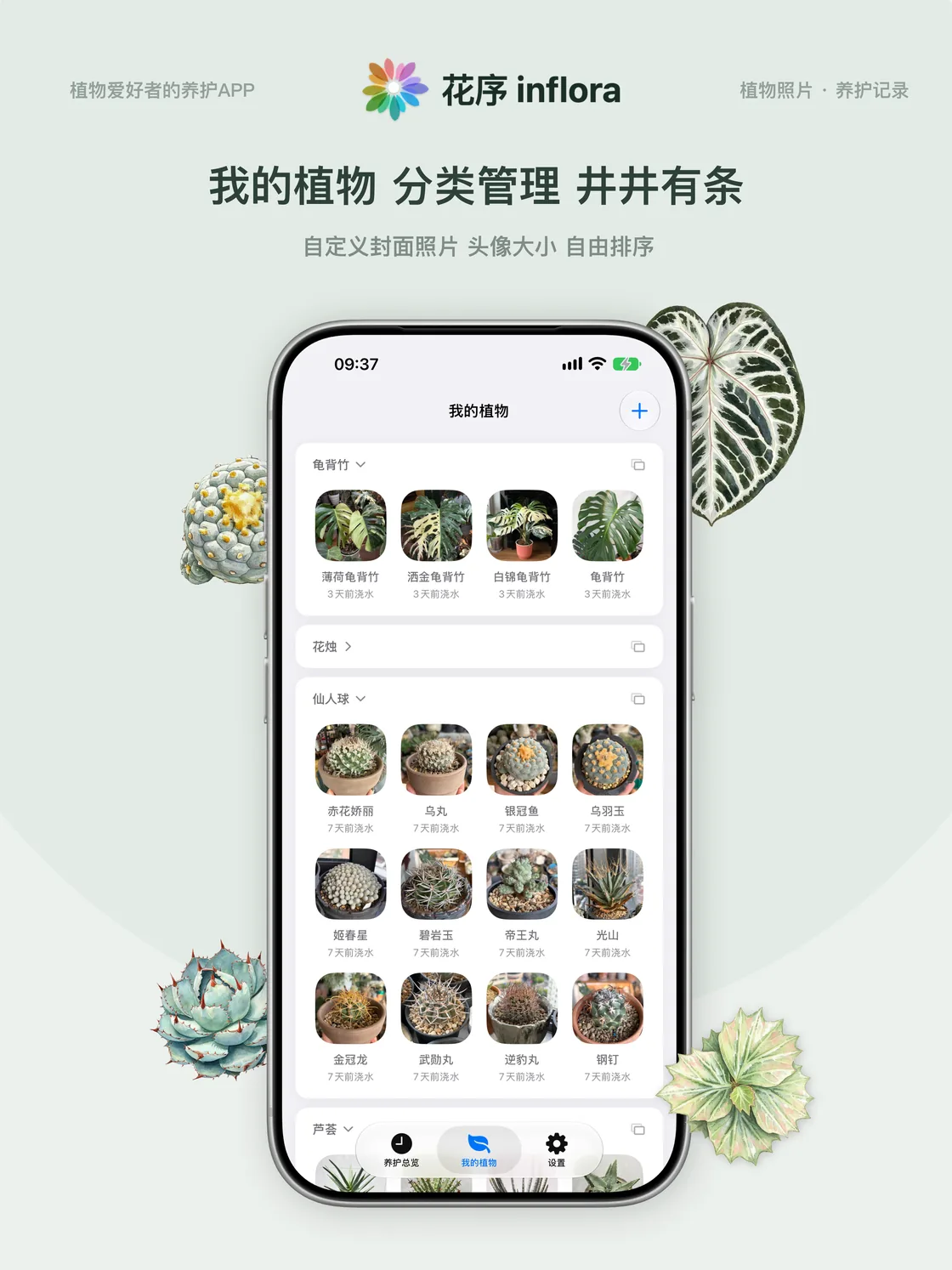
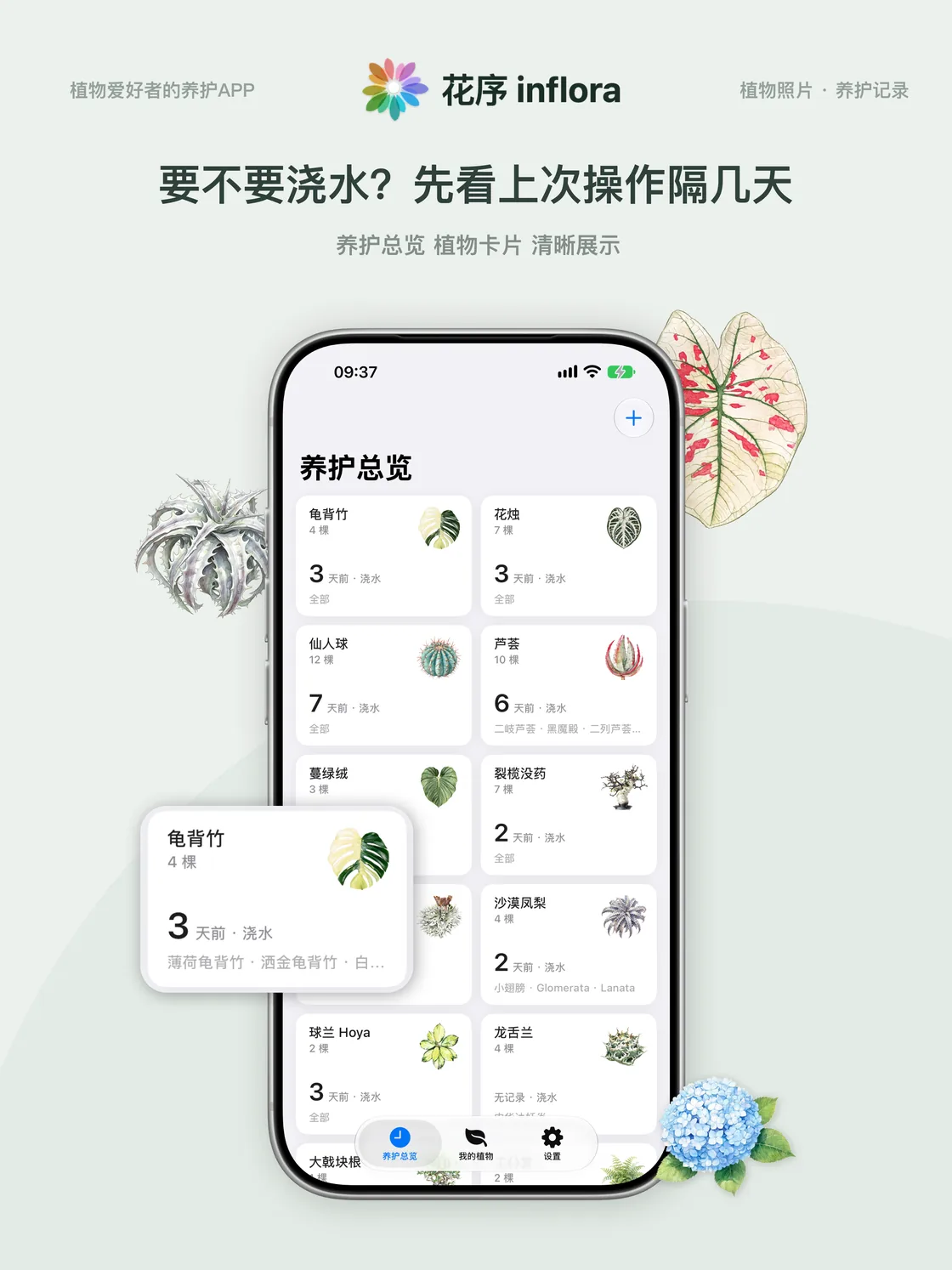
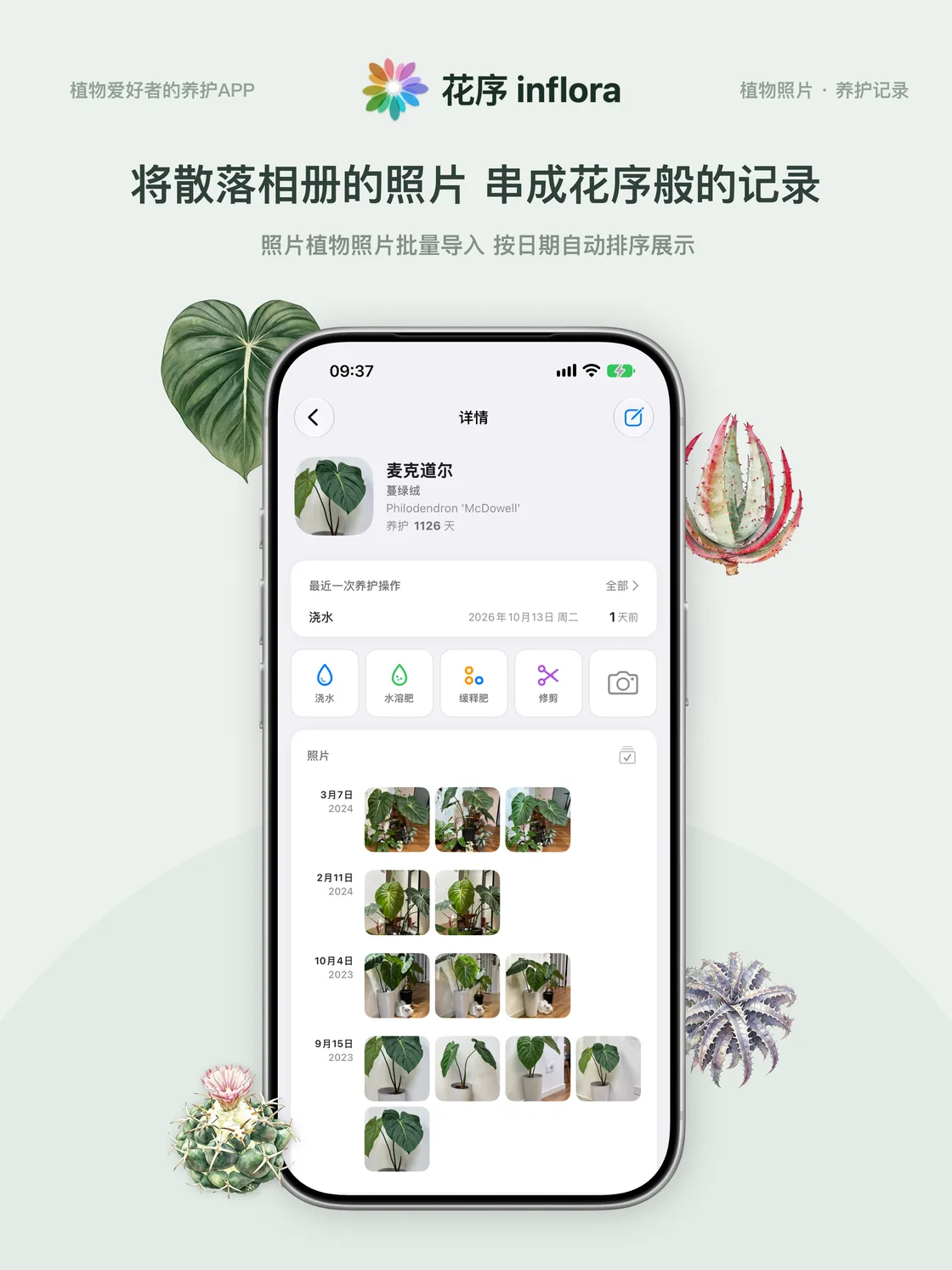
我们开发团队里都是植物爱好者,养了很多植物。以往同一棵植物不同时期的照片,分散在手机相册里,想分享时一时半刻真是找也找不到。存到「花序 inflora」里,查找、翻看、导出都方便,还能生成成长图和对比海报。
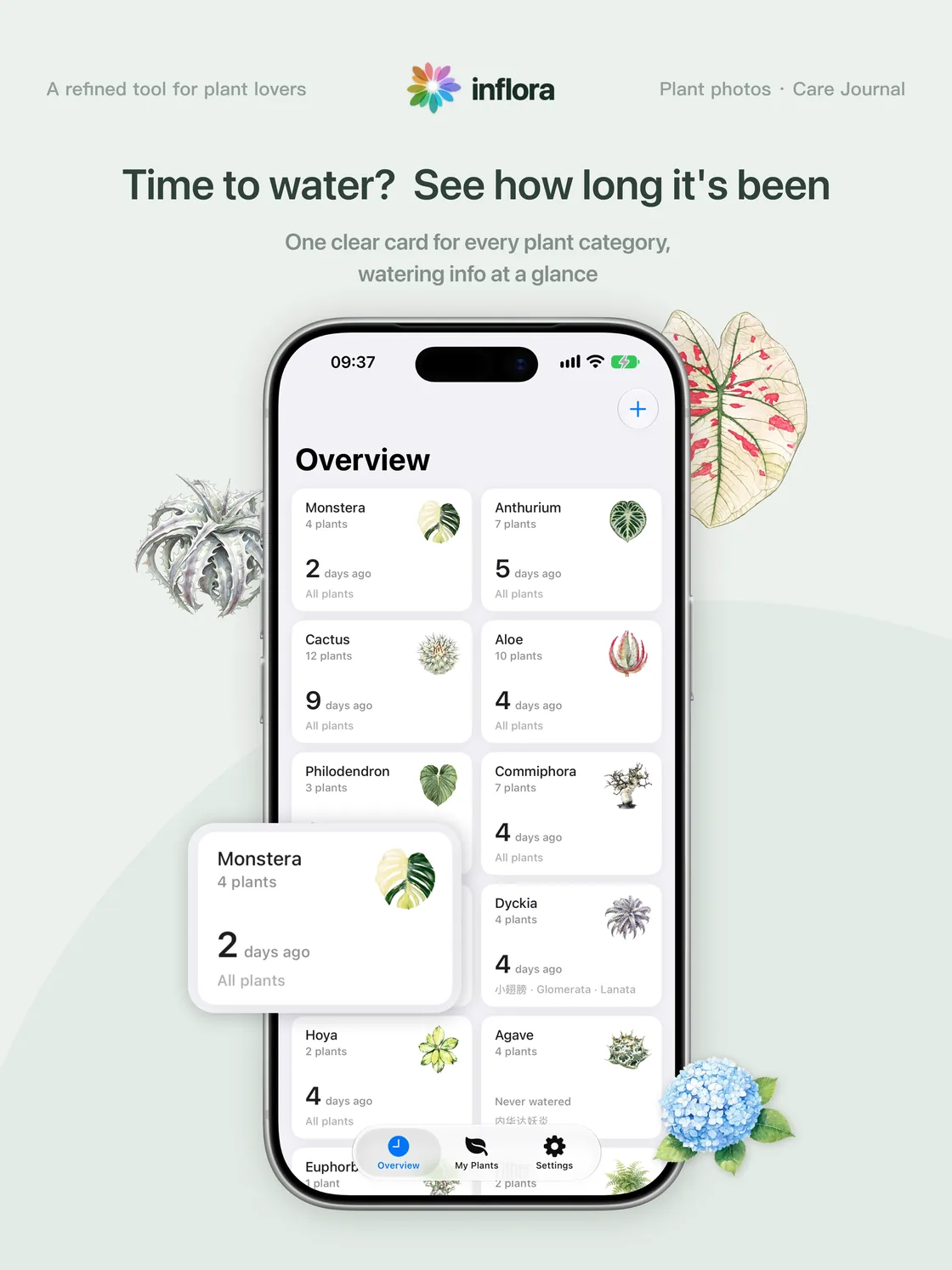
为什么我们不做浇水提醒?如果不确定要不要浇水施肥,看看上次操作隔了几天。
众多植物养护 App 都在争当你的日历和闹钟。固定时间浇水,这件事本身就错了。判断该不该浇水施肥,永远是你自己,而不是工具。
浇水取决于非常多因素。季节、天气、光照、通风、配土、植物种类、花盆材质等等,非常多因素一起决定了盆土何时会干、植物何时需要浇水。同样是 7 天,夏天龟背竹早就需要浇水,冬天仙人球可能正在烂根,复杂问题没有简单答案。
固定几天浇一次水是典型错误,90% 植物死亡都是过度浇水引起的。新手应该怎么办?了解养护知识、记录每次操作,多观察,管住手,看看上次浇水隔了几天,大胆实践。所以要不要浇水,靠自己,而不是靠日历和闹钟提醒。
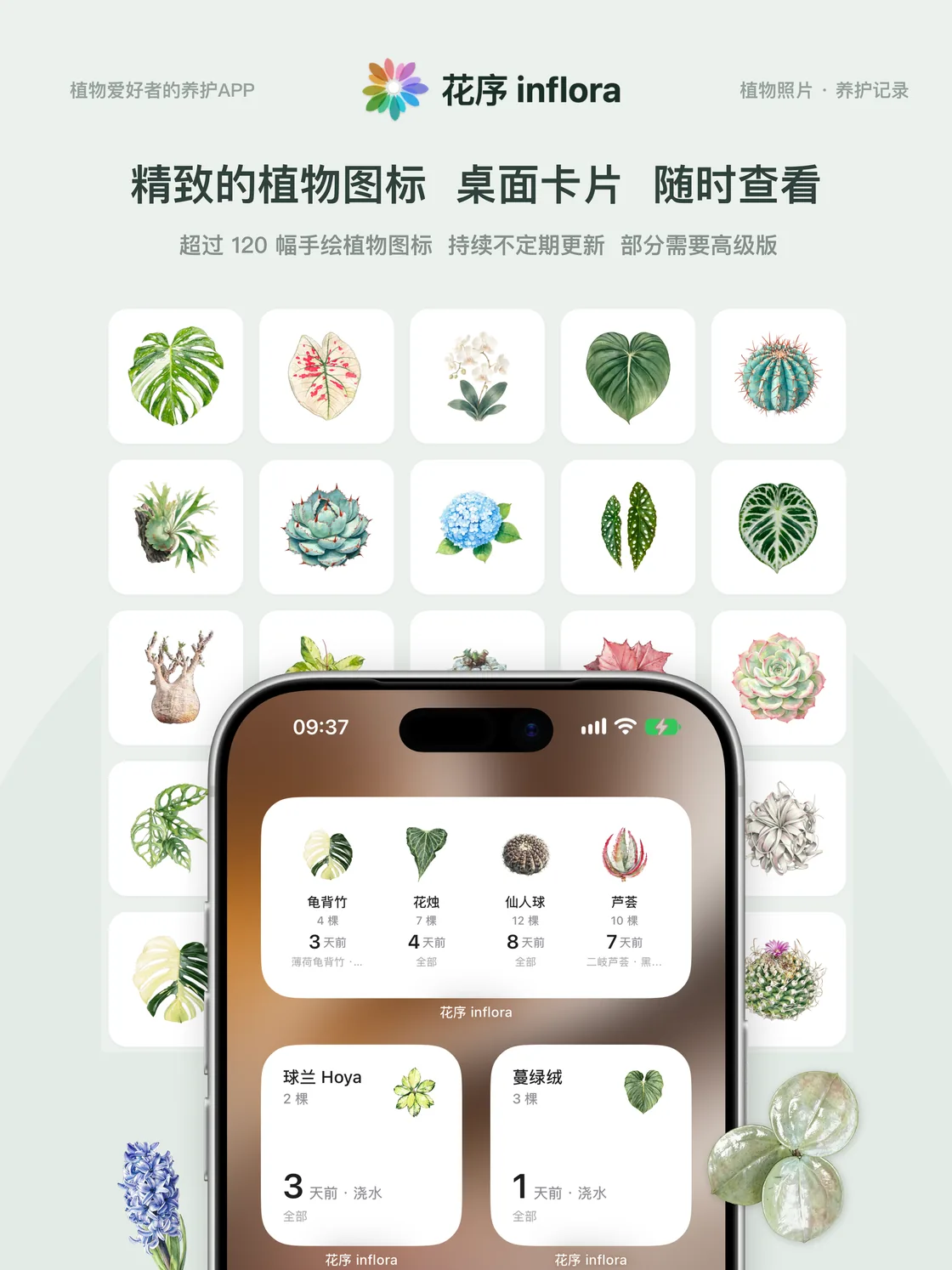
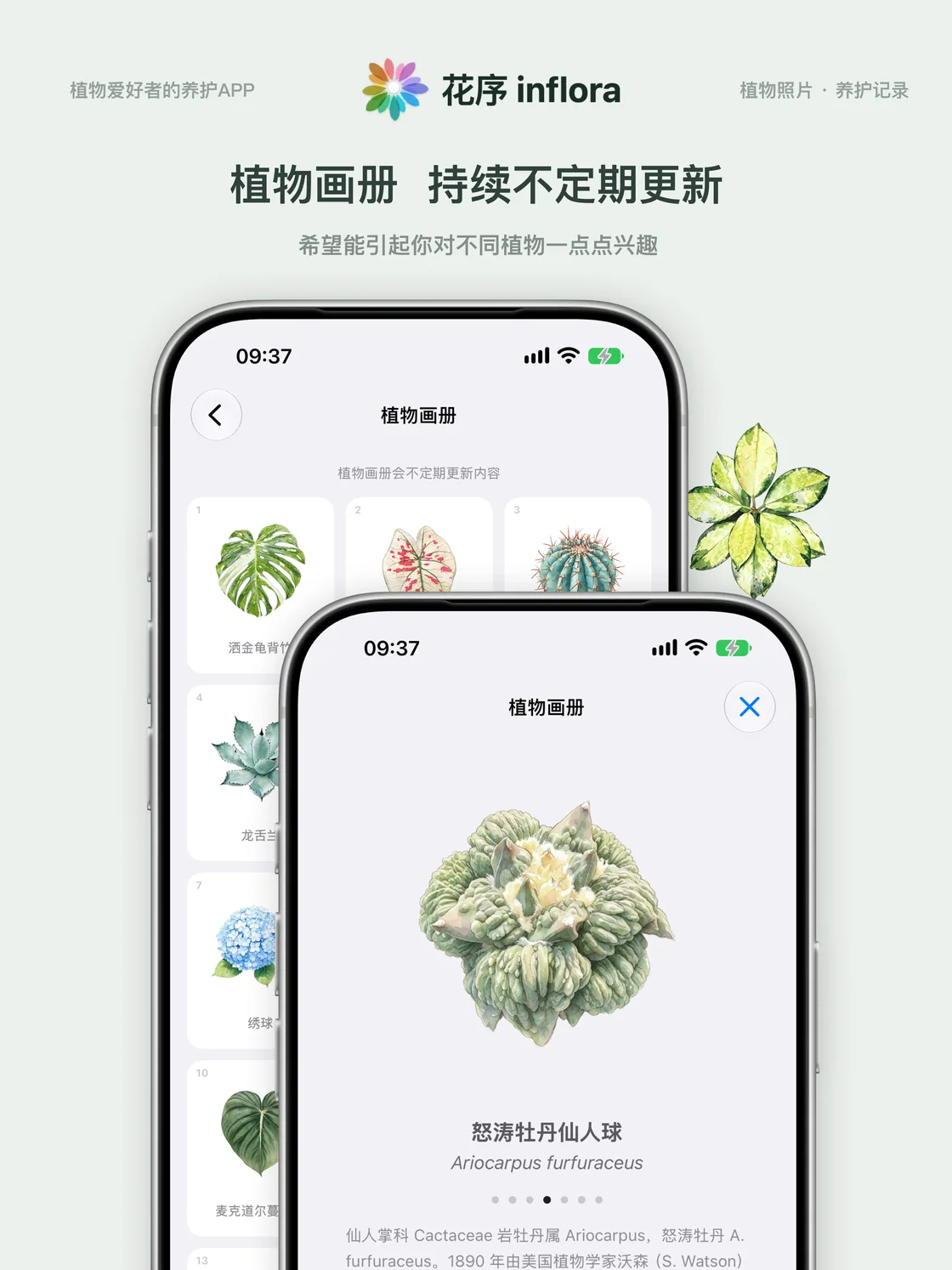
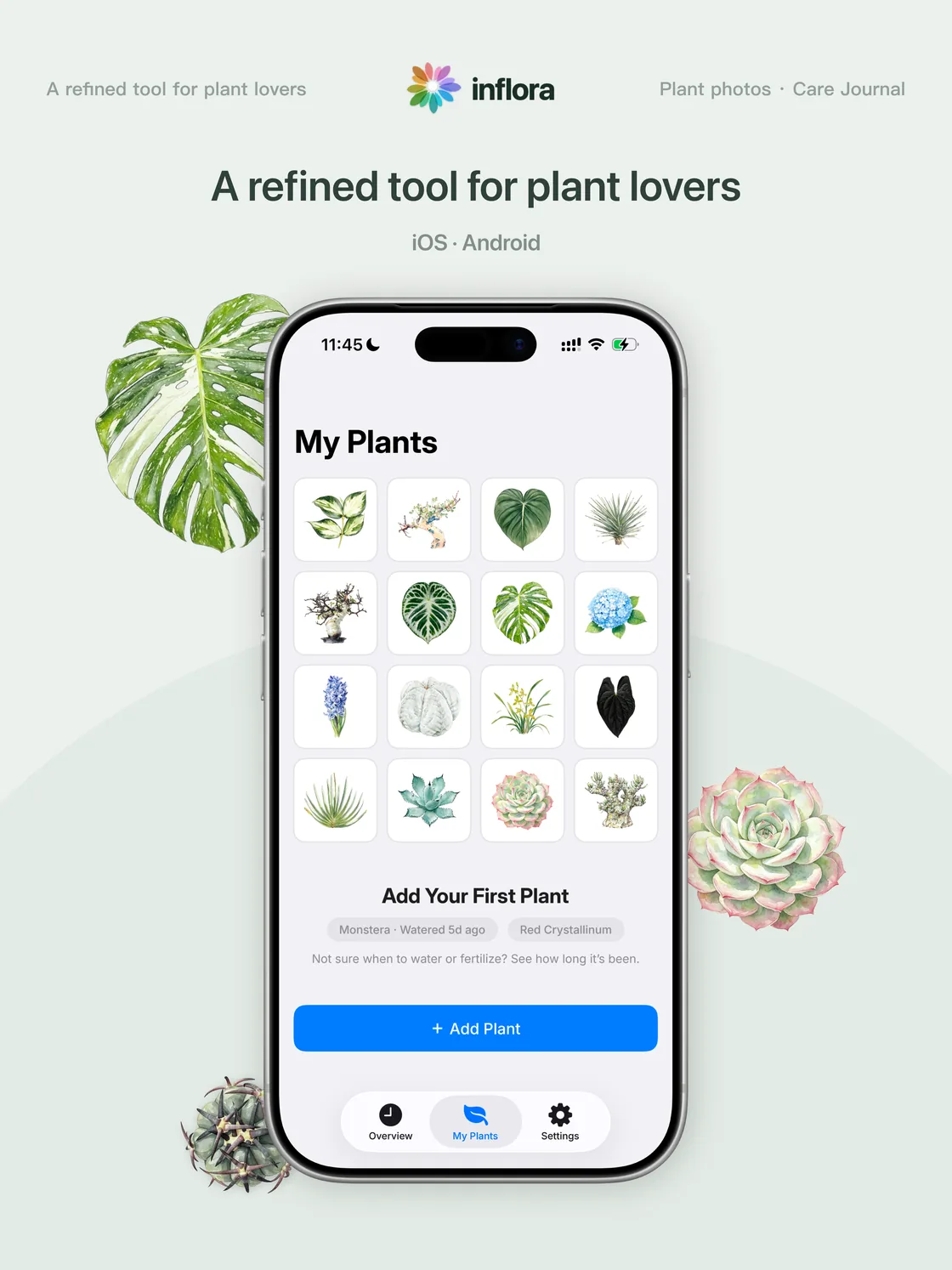
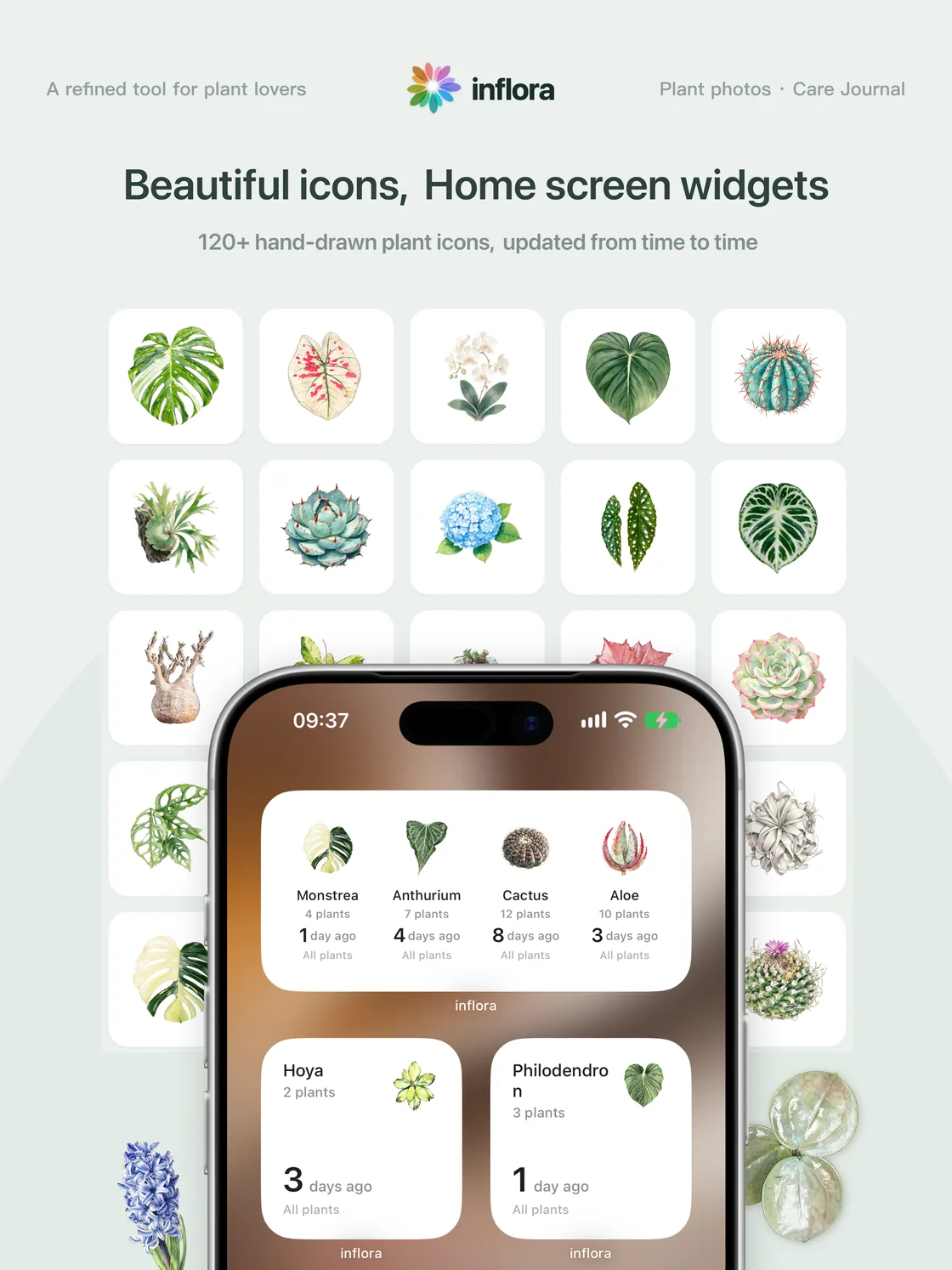
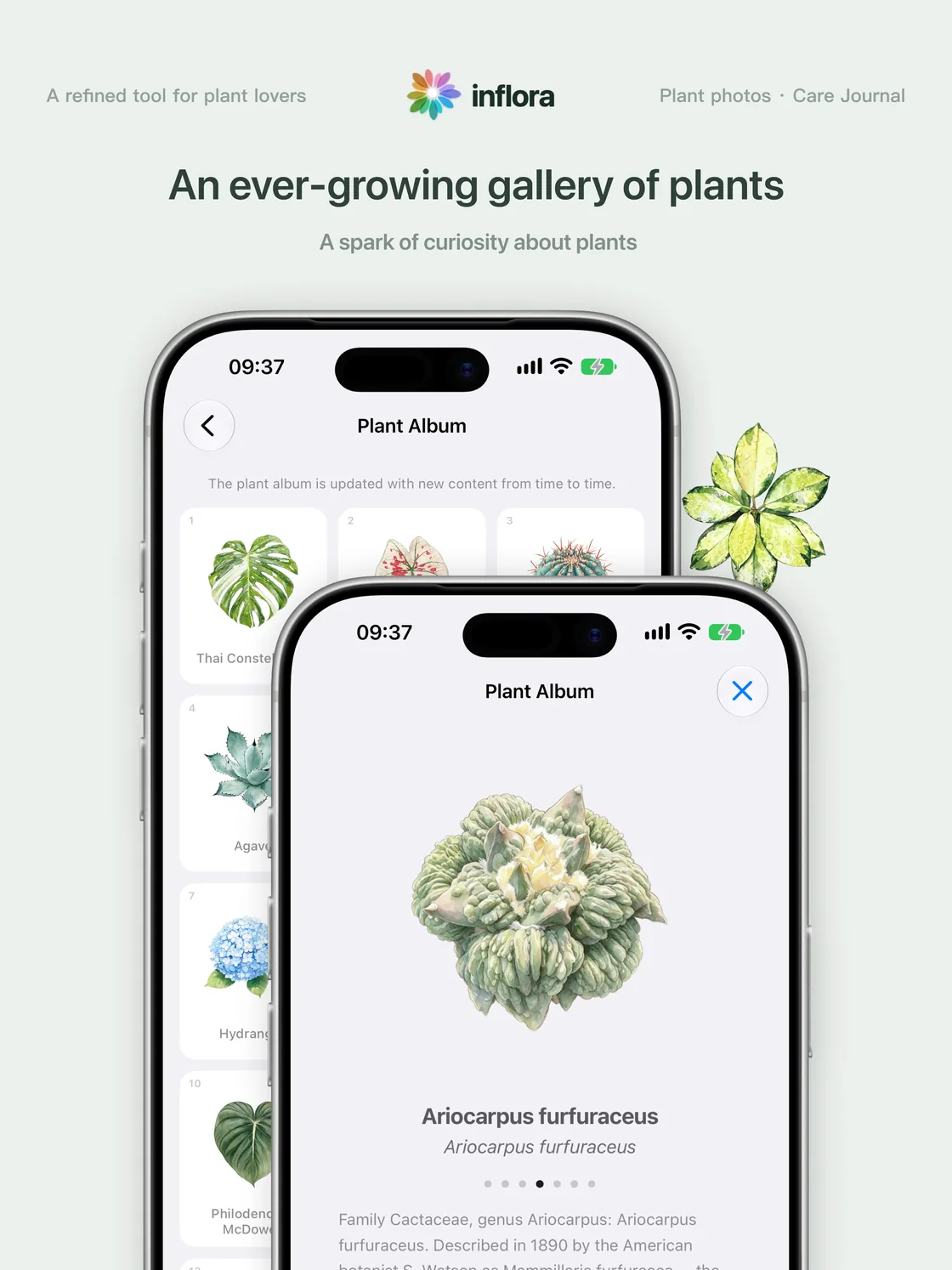
为植物爱好者设计绘制了上百张不同种类植物的手绘图,作为图标供使用。用户可以自己给植物分类、设定分类的图标,APP 也要精致漂亮,越看越爱;并配有植物画册,希望能引起你对不同植物的一点点好奇。
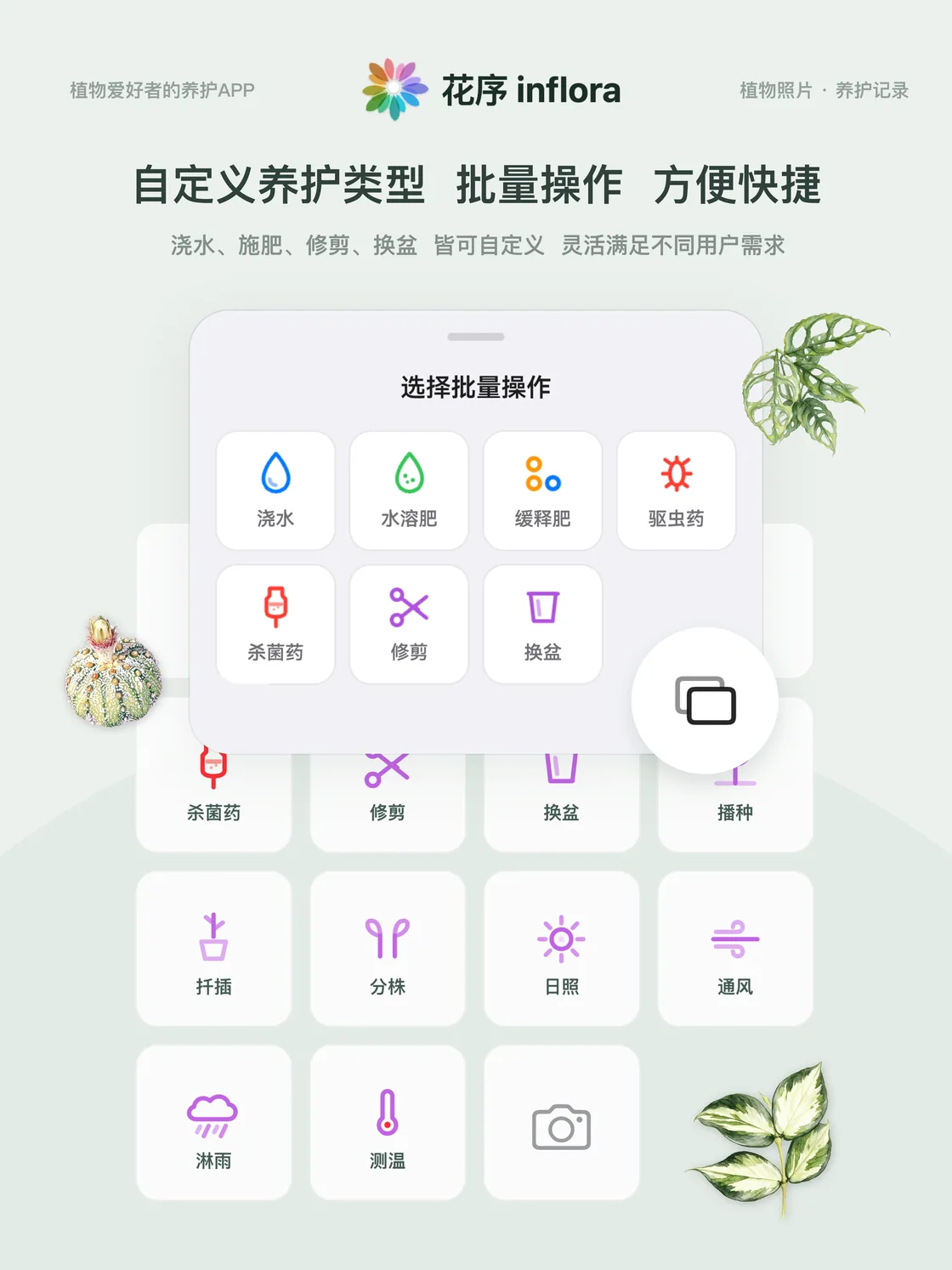
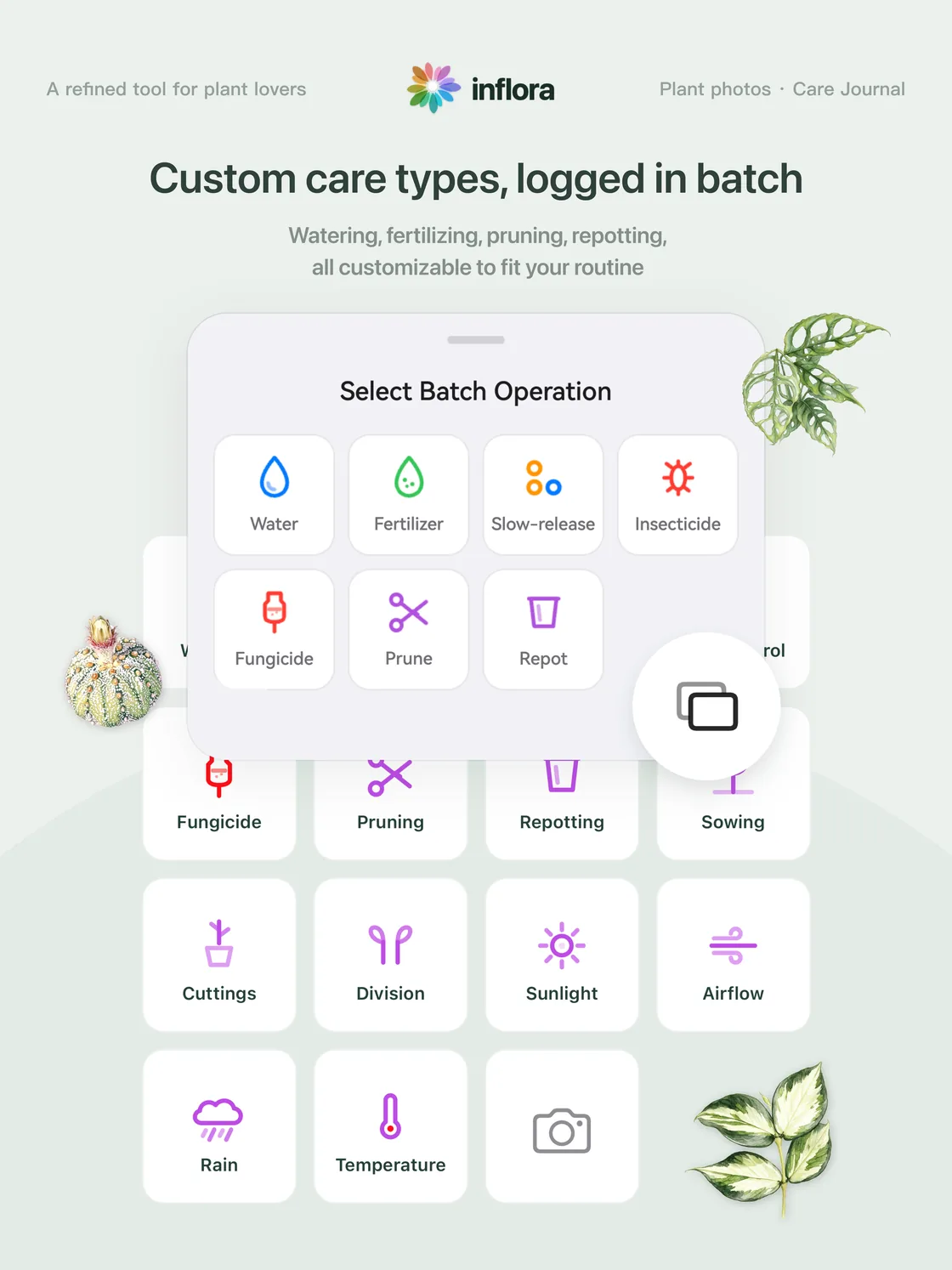
除了浇水,用户可以根据自己的养护习惯完全自定义各种操作类型:换盆、修剪、打药——你平时做什么,就加什么。
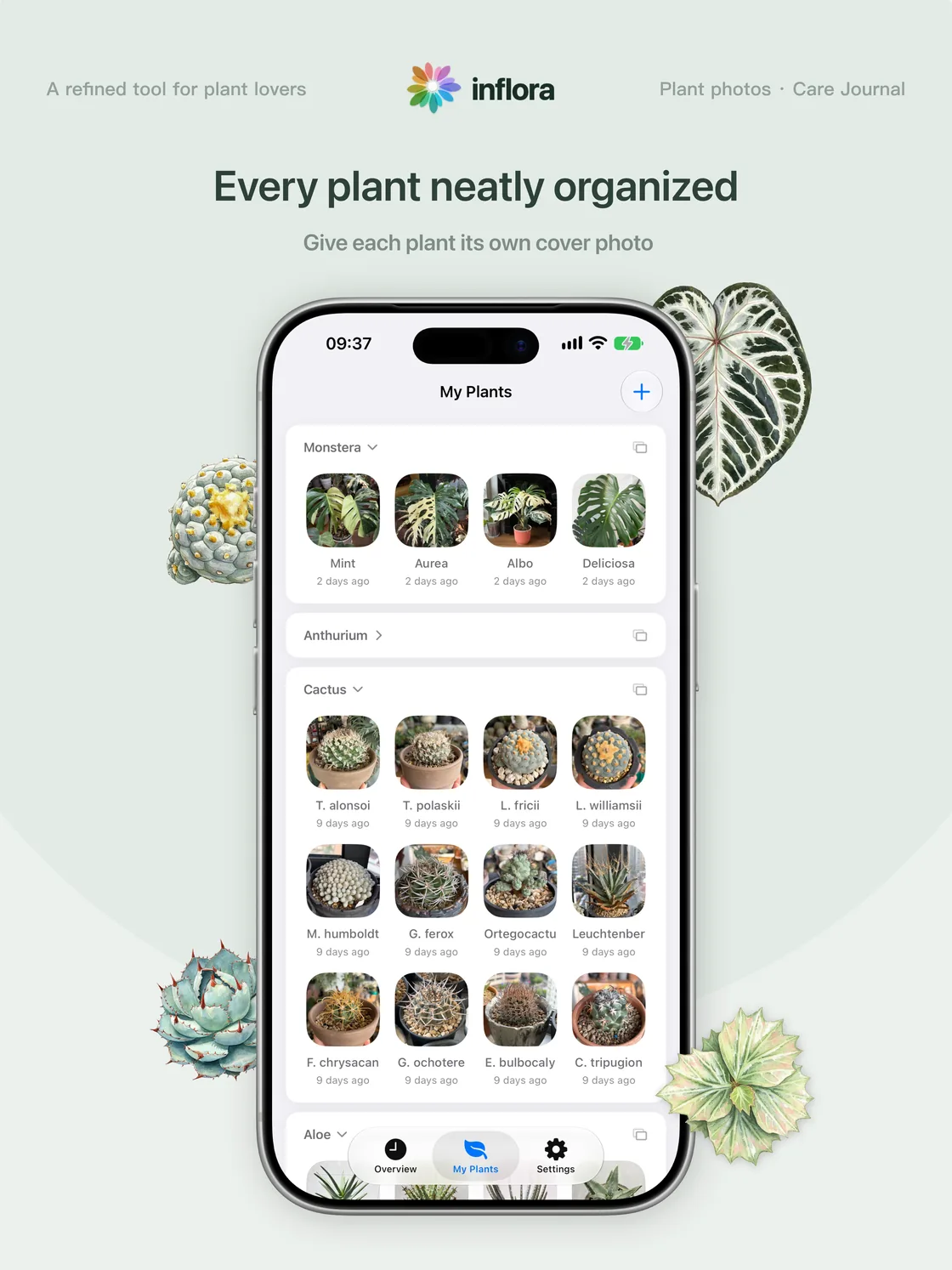
可以针对植物的种类、位置、习性、环境等分类,进行批量浇水、施肥等操作,方便快捷,植物再多也不怕。
可在桌面添加卡片,不用打开 APP,就能在桌面查看某类植物几天没浇水了。
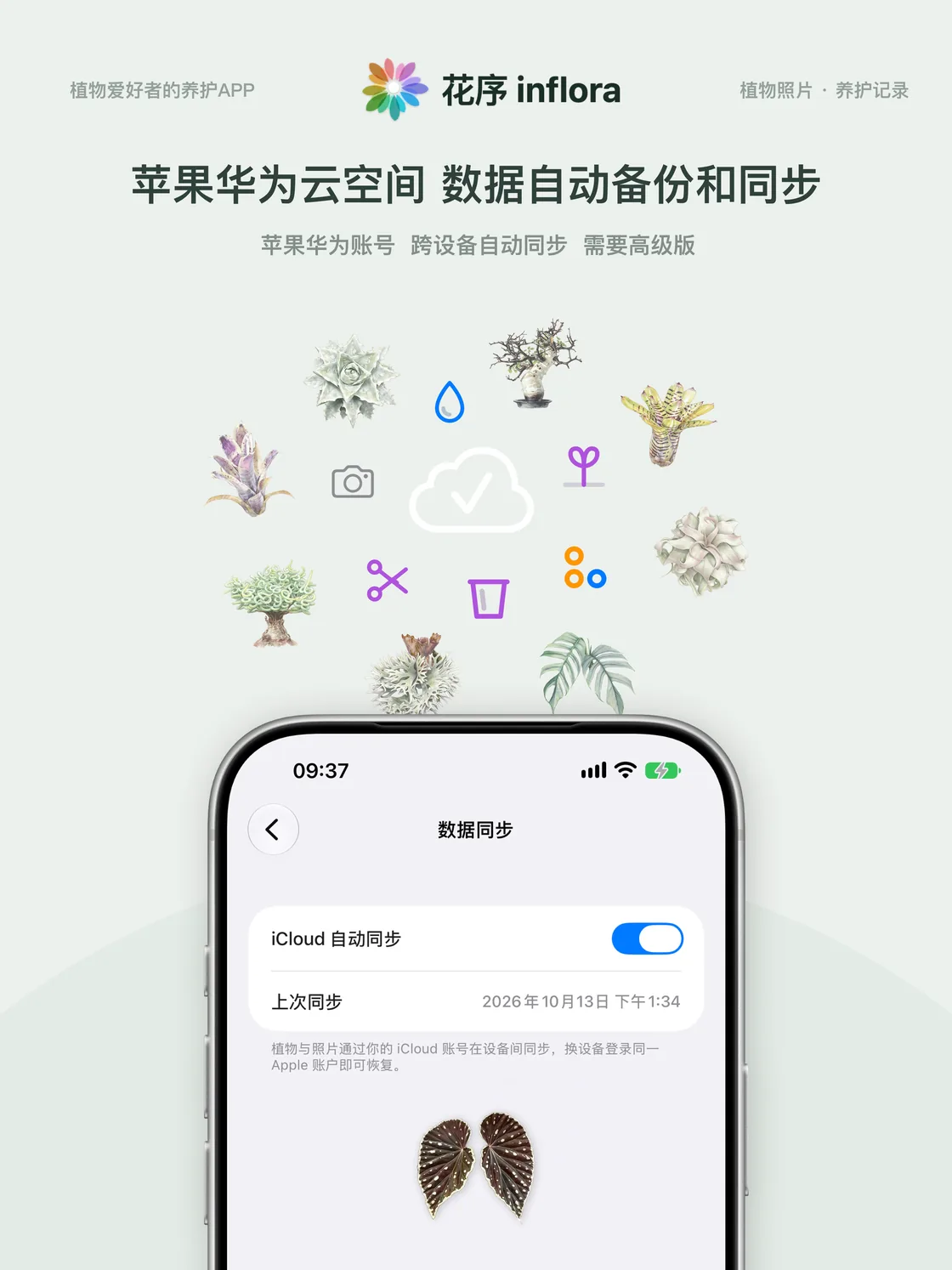
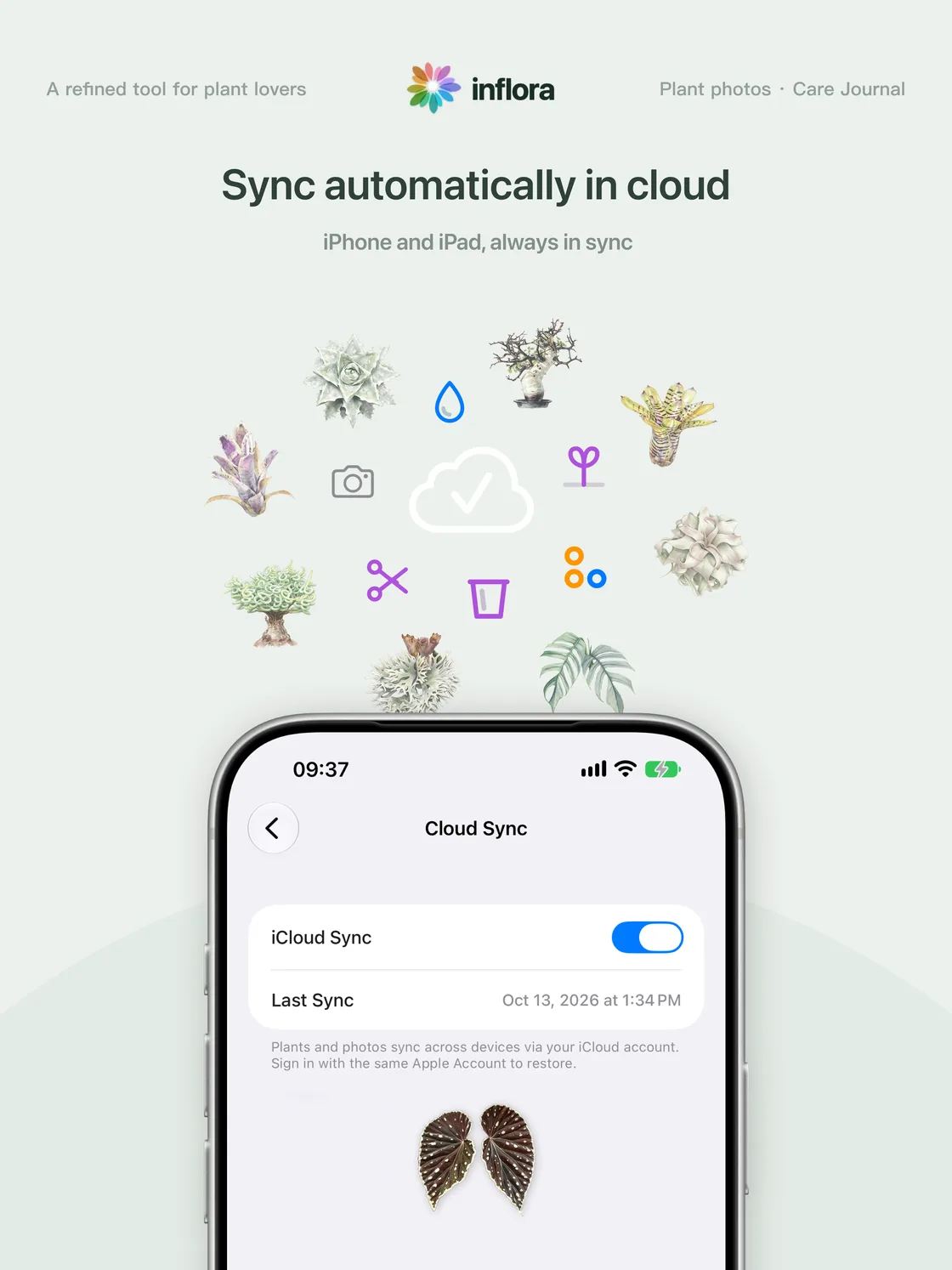
花序 inflora 首发就适配了 iPhone、iPad 和苹果折叠屏手机 iPhone Duo,不同设备在同一个 Apple 账号下通过 iCloud 实现数据同步和备份。
同样,首发适配了几乎所有鸿蒙 HarmonyOS 设备:直板手机、阔直板、折叠屏手机、阔折叠、三折叠、鸿蒙平板,甚至鸿蒙电脑也都可以使用;同样在华为账号下,多设备可数据云同步和云备份。
希望用户给我们反馈和建议,期待你们留言。
inflora, the care app for plant lovers, is now live on Apple iOS and HarmonyOS in China. Every photo, every watering, fertilizing, and pruning of your plants becomes one long inflorescence.
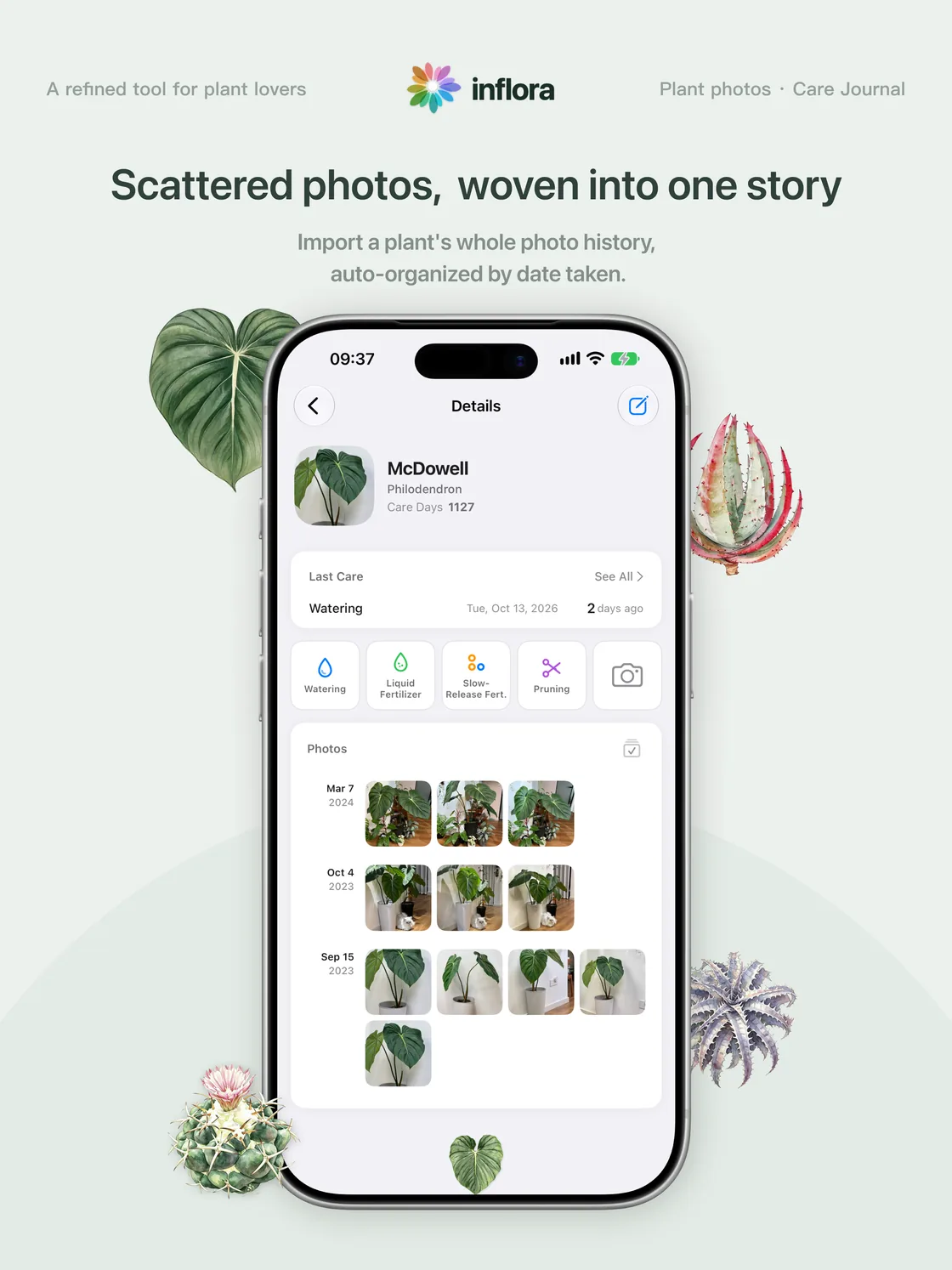
Everyone on our dev team is a plant lover with a houseful of plants. Photos of the same plant from different periods used to be scattered across the camera roll — impossible to find when you wanted to share one. Keep them in inflora, and finding, browsing, and exporting all become easy; you can even generate growth posters and comparison posters.
Why don't we do watering reminders? If you're not sure whether to water or fertilize, check how long it's been since the last care action.
Most plant-care apps compete to be your calendar and alarm. Watering on a fixed schedule is wrong in itself. Whether to water or fertilize is always your call — never the tool's.
Watering depends on many factors. Season, weather, light, airflow, soil mix, species, pot material — together they decide when the soil dries out and the plant needs water. The same 7 days: a Monstera in summer is long overdue for water, while a cactus in winter may already be rotting at the roots. Complex problems have no simple answers.
Watering every few days on a fixed schedule is a classic mistake — about 90% of plant deaths come from overwatering. What should a beginner do? Learn about care, log every action, observe often, keep your hands off, check how long it's been since the last watering, and experiment boldly. Whether to water is up to you, not the calendar or an alarm.
We designed and drew over a hundred hand-drawn illustrations of different plant species to use as icons. You can create your own categories and set each category's icon — an app for plant lovers should be refined and beautiful, a delight every time you open it. A plant lexicon comes with it, hoping to spark a little curiosity about different plants.
Beyond watering, you can fully customize action types to match your own care habits: repotting, pruning, pesticide — whatever you actually do, add it.
Group plants by species, location, habits, or environment, then water, fertilize, and more in batches — quick and easy, no matter how many plants you have.
Add widgets to your home screen and see, without opening the app, how many days it's been since a category of plants was last watered.
At launch, inflora already adapted iPhone, iPad, and Apple's foldable iPhone Duo; devices under the same Apple account sync and back up data through iCloud.
Likewise, it adapted nearly every HarmonyOS device at launch — bar phones, wide slates, foldables, book-style folds, tri-folds, HarmonyOS tablets, even HarmonyOS PCs — with cloud sync and backup across devices under your Huawei account.
We'd love your feedback and suggestions — looking forward to your comments.
